

Salesforce Case Management Implementation
record per resident,
from referral to goal
role-based workspaces, for case
managers and intake officers
leadership views, from open
cases to critical tasks
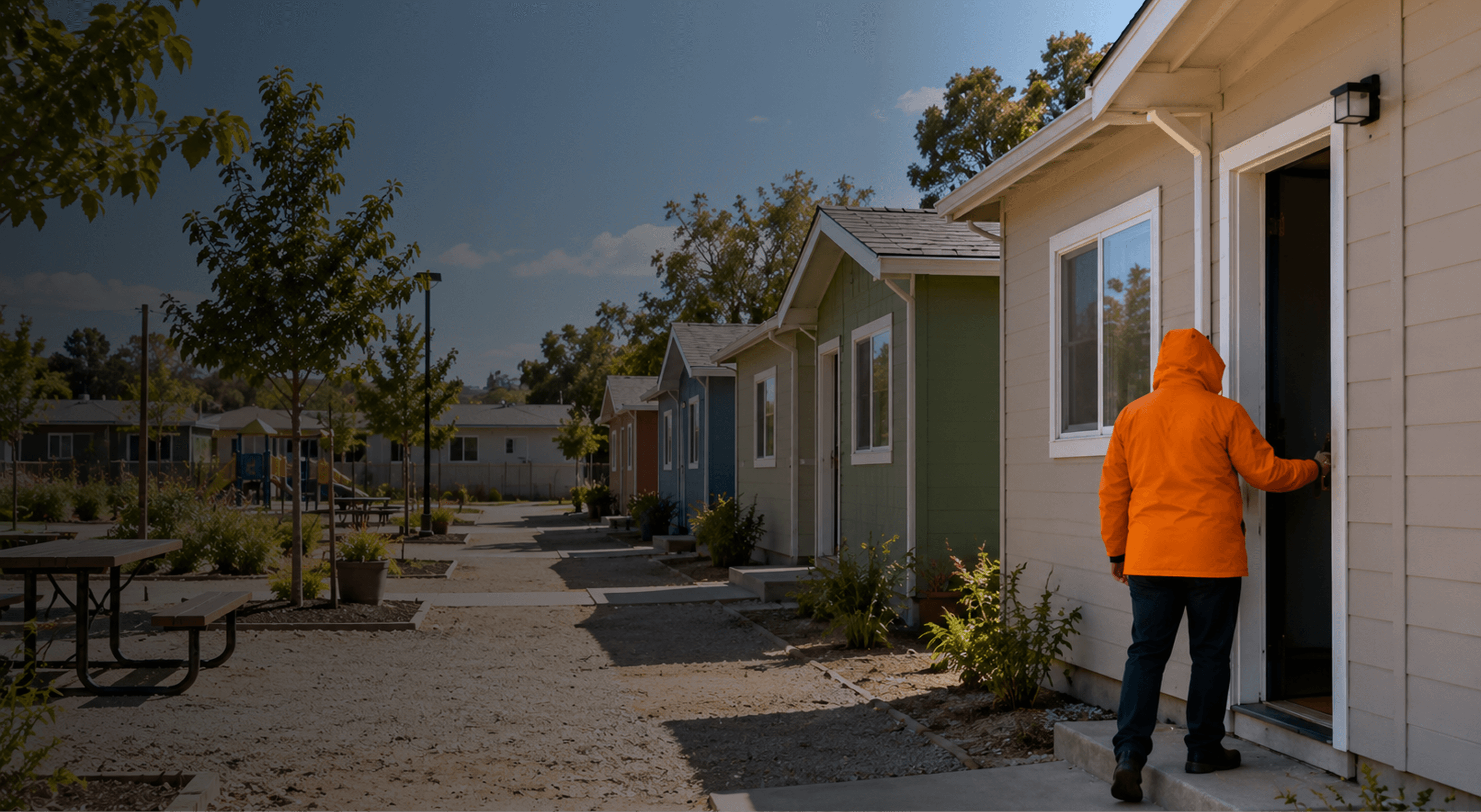
The client is a California nonprofit that develops and manages affordable housing communities. It also runs resident services programs inside those communities. Staff help residents resolve conflicts, stabilize their housing, and work toward goals such as employment, better finances, and education. The aim is self-sufficiency, to the point where a resident is ready to move on.
CUBE84 implemented Salesforce Case Management for the resident services team. The build covered:
Rollout approach: discovery and requirements, build, client-led UAT, go-live, then post-go-live training and support hours.
Resident services teams do case management work, but the tools they have usually weren't built for it. That shows up in four ways:
The client needed a system that treats the resident as the center of the record, with every program, plan, and note attached to that person.



1. Discovery
Ran a requirements questionnaire and stakeholder sessions to map each program's case, referral, and intake process, and how access worked by role.
2. Case and referral model
Set up the Case object for resident cases, inbound and outbound referrals, and incidents. Added record types for each program and stages such as approved, referred elsewhere, pending, and rejected.
3. Guided intake
Built the Intake object with record types, lifecycle stages from new through eligibility check, and checklists for personal, financial, and assessment steps. Automatic intake creation was switched off so staff decide when intake starts.
4. Programs, case plans, and assessments
Configured program enrollments, templated case plans with goals and action items, and assessment types for scored measures. Validation rules keep required detail from being skipped.
5. The resident record
Laid out the contact record as the case manager's working file, with enrollments, case plans, assessments, and client notes in one view. Quick texts standardize common note entries.
6. Automation
Added a flow that updates goal status from its action items, plus task reminders and macros for routine follow-ups.
7. Role-based access and homepages
Created case manager and intake officer profiles and roles. Built a branded homepage showing each user's clients, open cases, follow-ups, and action items.
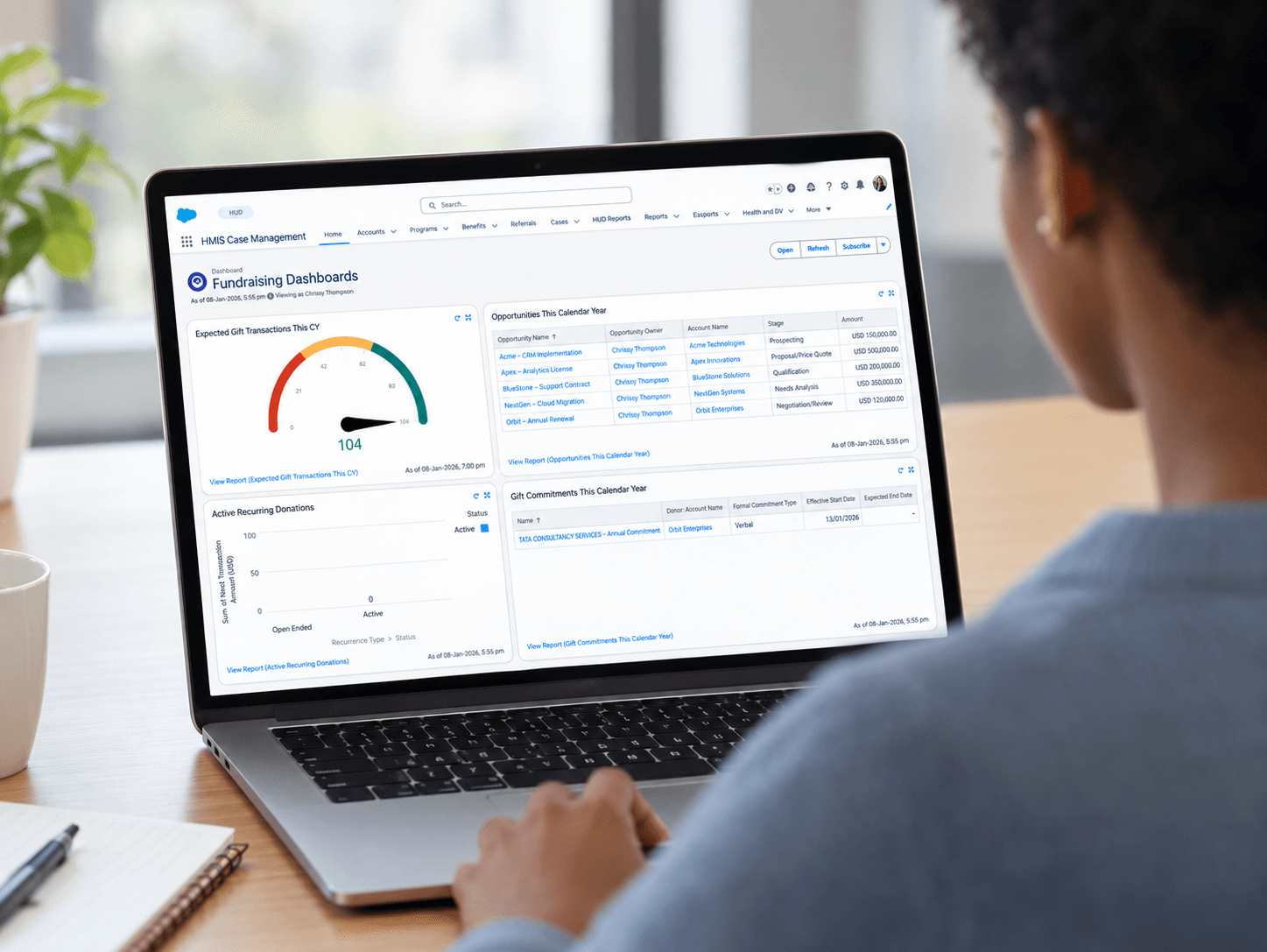
8. Reports and dashboards
Agreed the report list with program leads, then built views for open resident cases by status, inbound referrals, open case plans, upcoming action items, and critical tasks.
9. Migration, UAT, and training
Migrated past resident interactions into client notes, supported client-led UAT, and delivered post-go-live training and support hours.
One honest note. The timeline ran longer than planned. Assessment fields, including their calculations, took extra rounds to finalize, and UAT ran long. Both were worked through with the client team before go-live.
After go-live:
Let's talk about what we learned setting up Salesforce Case Management for a California housing nonprofit.
Let's Connect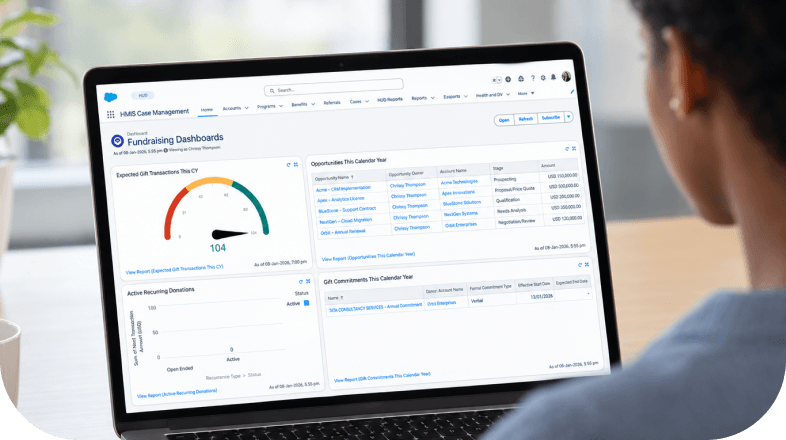



%201%20(1).png&w=640&q=75)