

Why Salesforce Donor Management Issues Cause Campaigns to Fail Before Launch
Most nonprofit campaigns don’t fail because of the message. They fail because of the data they’re built on.
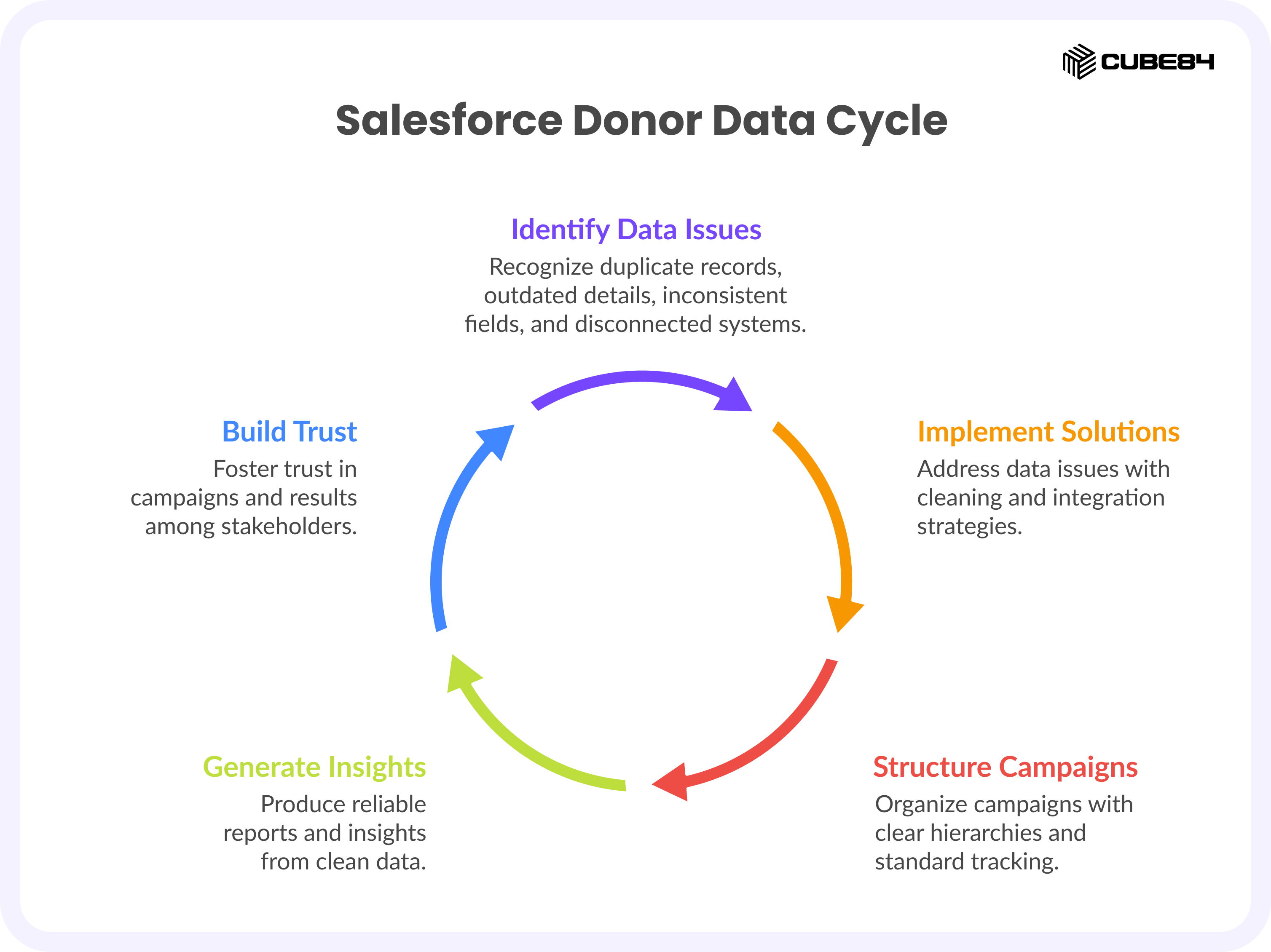
From what we have seen working with nonprofit teams, campaigns are often launched on top of duplicate donor records, outdated contact details, inconsistent fields, and disconnected systems.
And the result is predictable. Emails bounce, donors get asked twice, segments don’t match reality, and leadership looks at reports and quietly stops trusting them.
This represents a significant operational challenge. Poor data quality directly impacts fundraising performance, with research showing it can lead to significant revenue loss and unreliable reporting.
There is also another layer most teams miss. Even when the data exists, the campaign structure inside Salesforce is often inconsistent. There is no clear hierarchy, no standard way to track members, and no alignment between campaigns and actual appeals. So even good data ends up producing bad insights.
As a Salesforce Nonprofit specialist, we will walk through the most common Salesforce donor data mistakes we have seen, how to fix them quickly, and a simple Campaign Ready Data Checkup you can run before your next appeal.
Because when your data is messy or wrong, people stop trusting your campaigns and the results. When it is clean, your campaigns feel reliable and easy to believe.
Mistake #1: Scattered Donor Data and No Single Source of Truth in Salesforce Donor Management
What this looks like
Donor information is spread across Salesforce, spreadsheets, donation tools, event platforms, and finance systems. No one system reflects the full picture.
We often see giving history sitting in one system, contact details in another, and engagement data living inside email tools.
On top of that, gift and donation data itself is often inconsistent. Donations are not always linked properly to campaigns, giving history is split across records, and totals do not match between systems.
This is not rare. Many nonprofits struggle to associate donations correctly with campaigns or donors when systems are not unified.
Why it hurts campaigns
When there is no single source of truth, your campaign list is incomplete, major donors get missed, giving totals do not match, and reports contradict each other.
Even worse, duplicate or fragmented donation data can lead to incorrect financial tracking or missed fundraising opportunities.
How to fix it before your next campaign
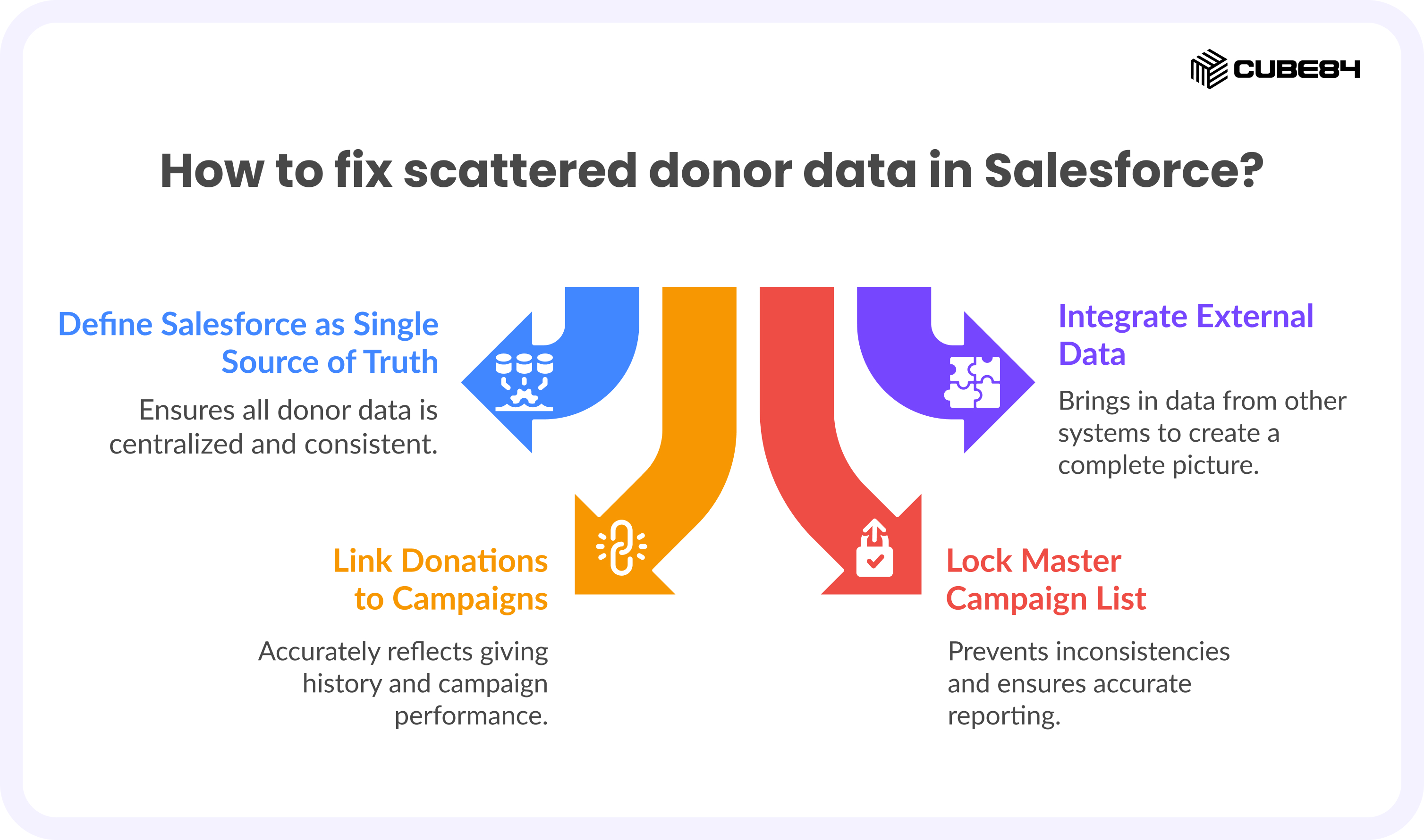
Define Salesforce as your single donor source of truth. Bring in key data from external systems at least two to four weeks before launch so you are not scrambling at the last minute.
Make sure donations, campaigns, and donors are properly linked so that giving history reflects reality. Then lock one master campaign list inside Salesforce instead of working out of spreadsheets.
Mistake #2: Duplicate Records and “Franken-Donors” in Salesforce Donor Data
What this looks like
Multiple records exist for the same donor, often with slight differences in name, email, or how the record was created. In some cases, online and offline donations end up creating separate profiles for the same person.
Why it hurts campaigns
Duplicate data is one of the most common and damaging issues in nonprofit systems.
It leads to duplicate asks, inflated donor counts, and incorrect giving history. Over time, it also affects donor trust because the experience feels disconnected.
In some cases, donations can even be counted twice or misallocated, which directly impacts reporting and credibility.
How to fix it before your next campaign
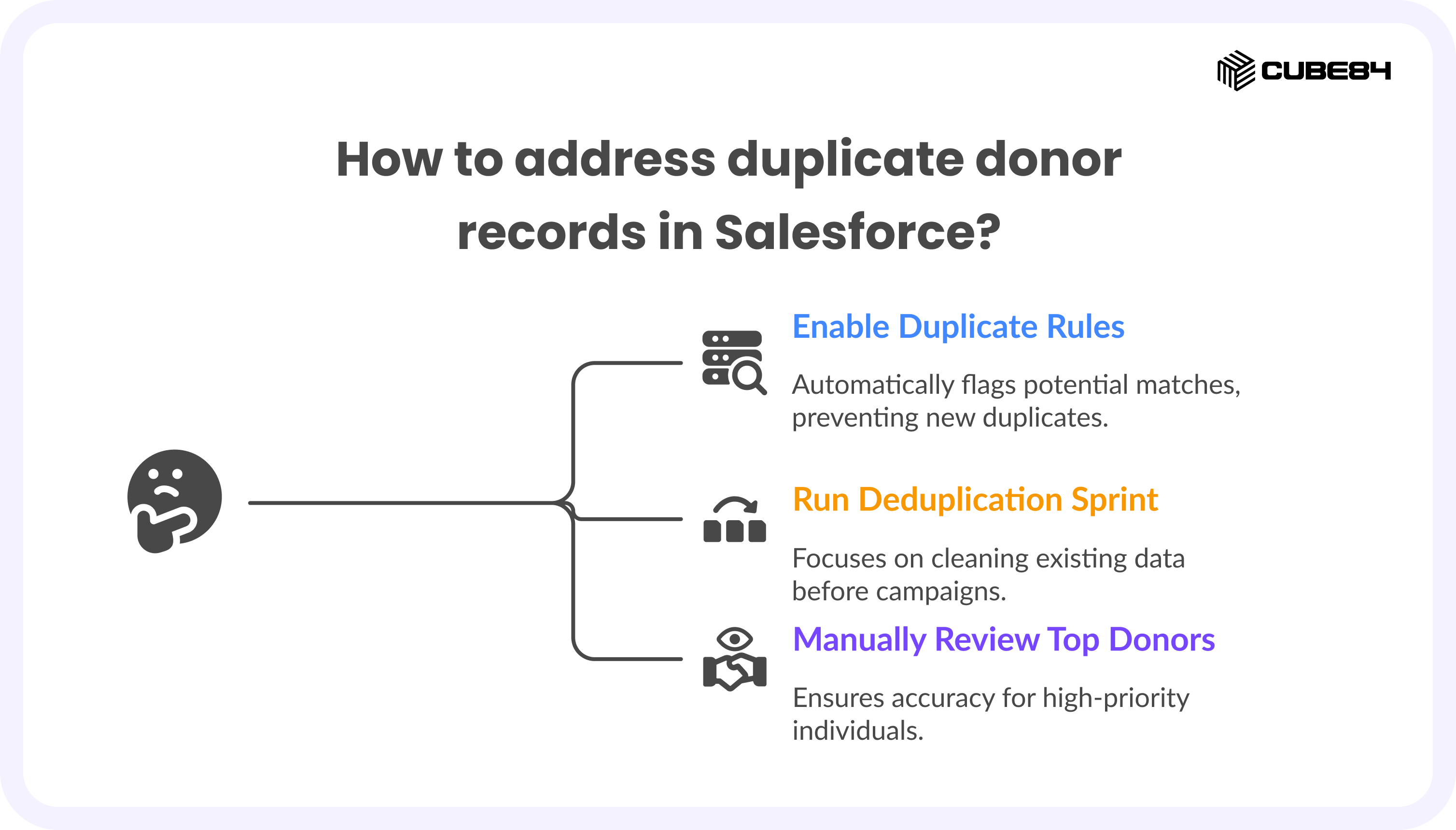
Turn on and refine duplicate rules inside Salesforce so the system can flag potential matches. Run a focused deduplication sprint before campaigns, especially for high priority segments.
For top donors, take the time to manually review records. One donor should always equal one record.
Mistake #3: Inconsistent Data Formats That Break Segmentation in Salesforce Donor Management
What this looks like
Data is stored in multiple formats. A state might appear as CA, Calif, or California. Some fields use free text while others use structured picklists. Important fields are sometimes left blank or filled in inconsistently.
Why it hurts campaigns
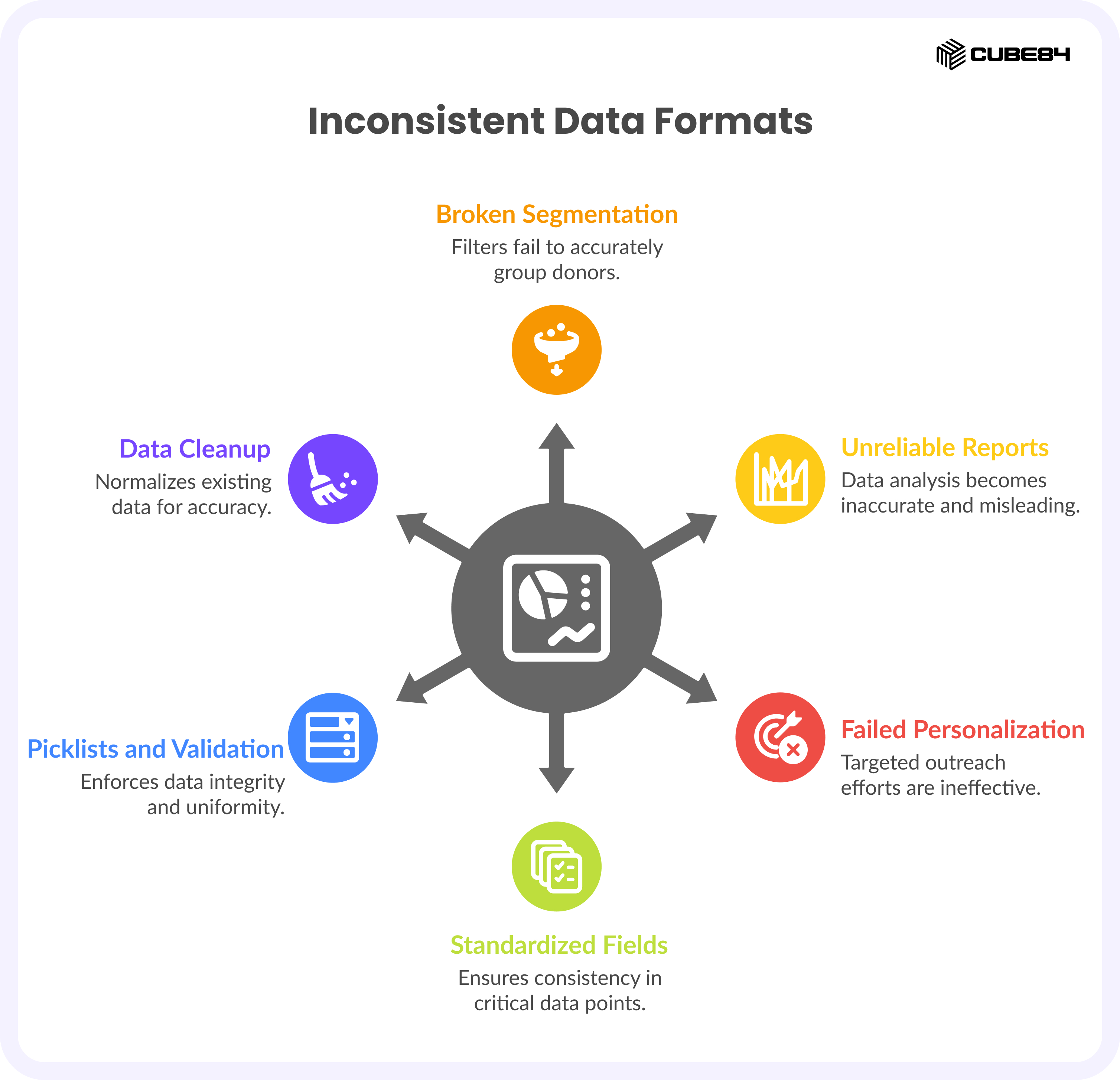
Segmentation depends on consistency. If your data is not standardized, filters break, reports become unreliable, and personalization fails.
This is a widely recognized issue. Inconsistent formatting and fragmented data make it difficult to produce reliable reports or target donors effectively.
How to fix it before your next campaign
Standardize five to ten campaign critical fields that directly impact segmentation and reporting. Use picklists and validation rules to enforce consistency going forward.
Run a one-time cleanup to normalize existing data, and then protect those fields so they stay clean.
Mistake #4: Outdated Donor Contact Data and Missing Consent Tracking in Salesforce
What this looks like
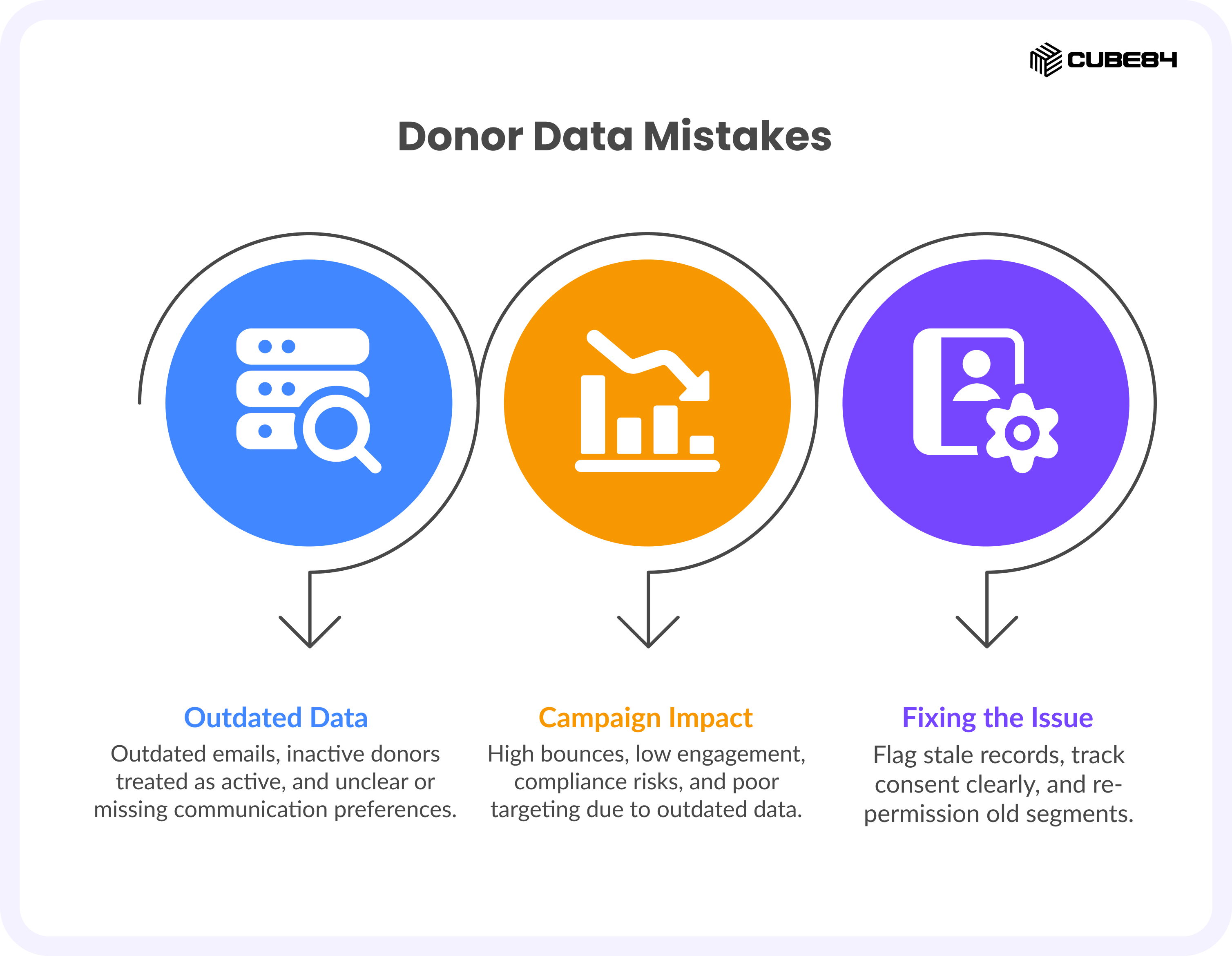
Email addresses are outdated, donors who have not engaged in years are still treated as active, and communication preferences are either missing or unclear.
Why it hurts campaigns
This leads to high bounce rates, low engagement, and potential compliance risks.
Outdated and unsynced data also means campaigns are targeting the wrong audience, which directly affects performance.
How to fix it before your next campaign
Use recent activity such as opens, clicks, donations, or address changes to flag stale records and suppress them from high stakes sends.
Maintain a single, clear view of consent and communication preferences for each donor. Plan re permission campaigns for older segments outside your main campaign window.
Mistake #5: Collecting Too Much or Irrelevant Data in Salesforce Donor Management Systems
What this looks like
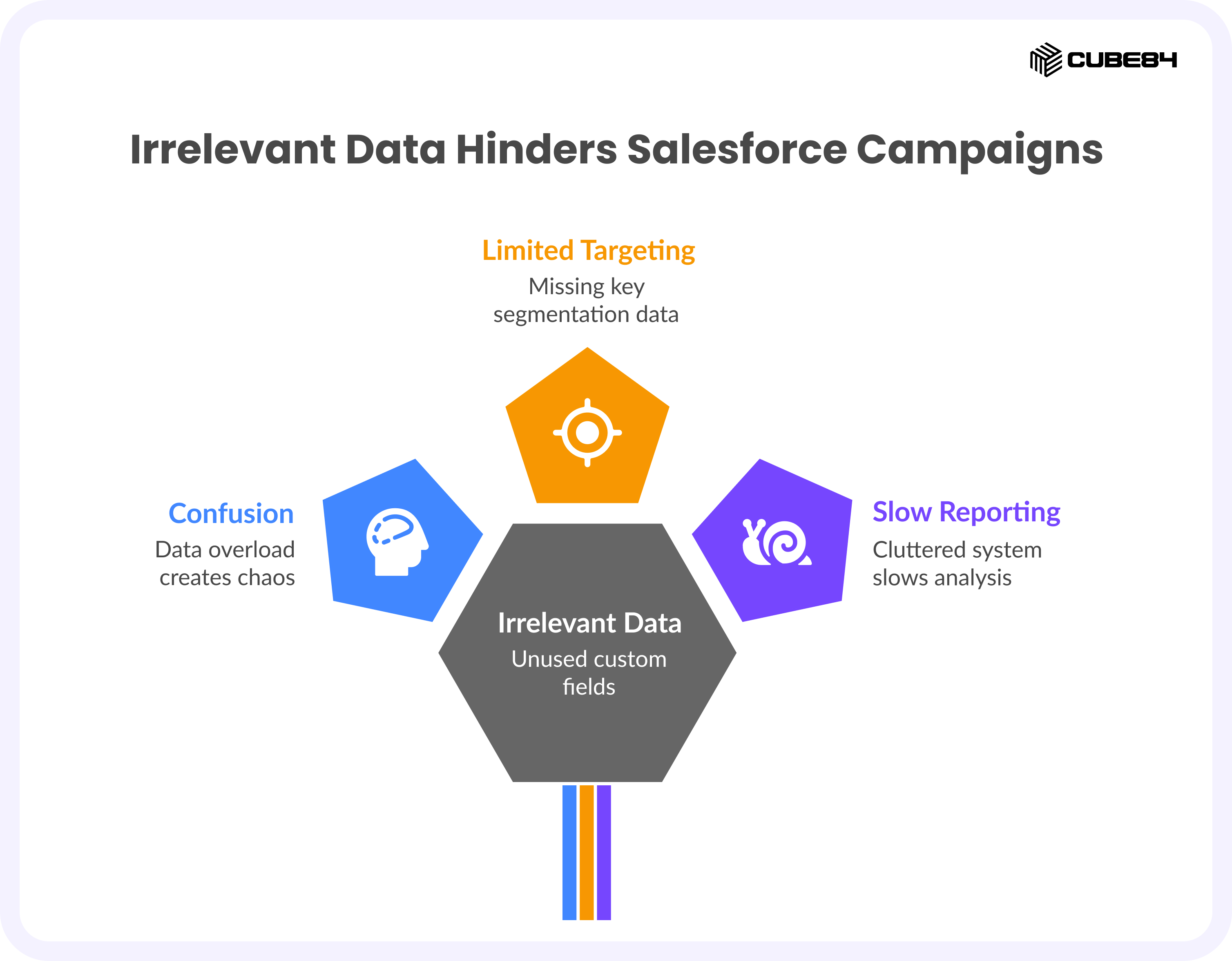
There are dozens of custom fields that no one uses, forms are long and difficult to complete, and at the same time, key data needed for segmentation is missing.
Why it hurts campaigns
Too much data creates confusion, while missing the right data limits your ability to target effectively.
Over time, this leads to cluttered systems that slow down reporting and make decision making harder.
How to fix it before your next campaign
Define a clear campaign critical dataset that focuses only on the fields you actually use for segmentation, personalization, and reporting.
Simplify forms so donors can complete them easily, and archive or remove fields that do not drive decisions.
Mistake #6: No Data Ownership, Poor Data Hygiene, and Lack of Automation in Salesforce
What this looks like
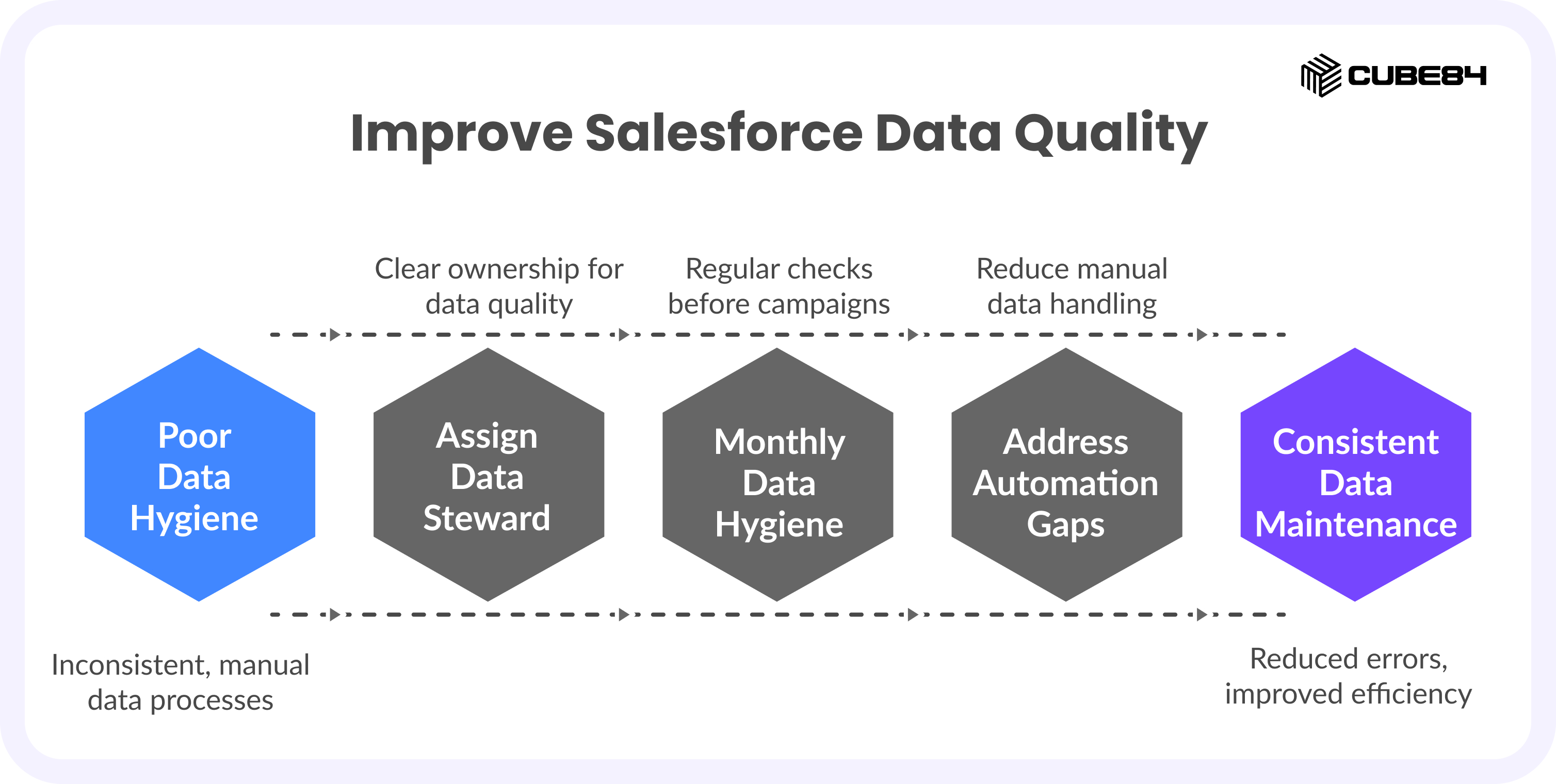
No one owns data quality. Cleanup becomes a last minute activity before campaigns, and processes are not documented clearly.
Why it hurts campaigns
Every campaign becomes a scramble, and errors repeat because nothing is consistently maintained.
When teams rely heavily on manual processes and spreadsheets, it slows them down and increases the chances of mistakes.
How to fix it before your next campaign
Assign a clear data steward for fundraising who has both the time and authority to maintain standards.
Set a monthly data hygiene rhythm and run a focused check four to six weeks before major campaigns.
It is also important to address automation gaps. Reducing manual exports and imports and setting up simple automation for list updates and data syncing can significantly reduce errors and save time.
After the Campaign: Why Post-Campaign Data Updates Matter in Salesforce Donor Management
What we have noticed is that most teams clean their data before a campaign, then stop.
But campaign results should flow back into Salesforce.
Update donor engagement, refine your segments, and carry those insights forward. Otherwise, the same data problems repeat every time.
Before Your Next Campaign: Run a Salesforce Donor Data Checkup
Before you lock your audience lists, run a simple Campaign Ready Data Checkup with your fundraiser and admin.
In about thirty minutes, you will know if your Salesforce data can actually support your campaign or if you need a quick data sprint before launch. Because the success of your next campaign is already sitting in your data!
Don’t know where to start? Begin with the Campaign Ready Donor Data Checkup and see where you stand.
If you want a second set of eyes on it, let’s talk. We can walk through your Salesforce donor data together and flag anything that might slow your campaign down.