

Leaders and staff at housing nonprofits spend far too many hours pulling reports together. Data sits in HMIS exports, spreadsheets, email threads, and scattered documents. When reporting is delayed or incomplete, leaders are left making decisions without a clear view of various important statuses, such as housing stability, program performance, or compliance risk. Manual reporting also puts extra pressure on staff who are already carrying demanding caseloads.
The dashboards in this article are designed to replace that manual effort with clear, role-based views inside Salesforce. Each dashboard focuses on the information a specific role needs to do its job well. You can use this list to check which dashboards your organization does not have today and ask three simple questions. Do we track this at all? How long does it take to get the number, and who has to do manual work to produce it?
Executive Director And Chief Executive Dashboards
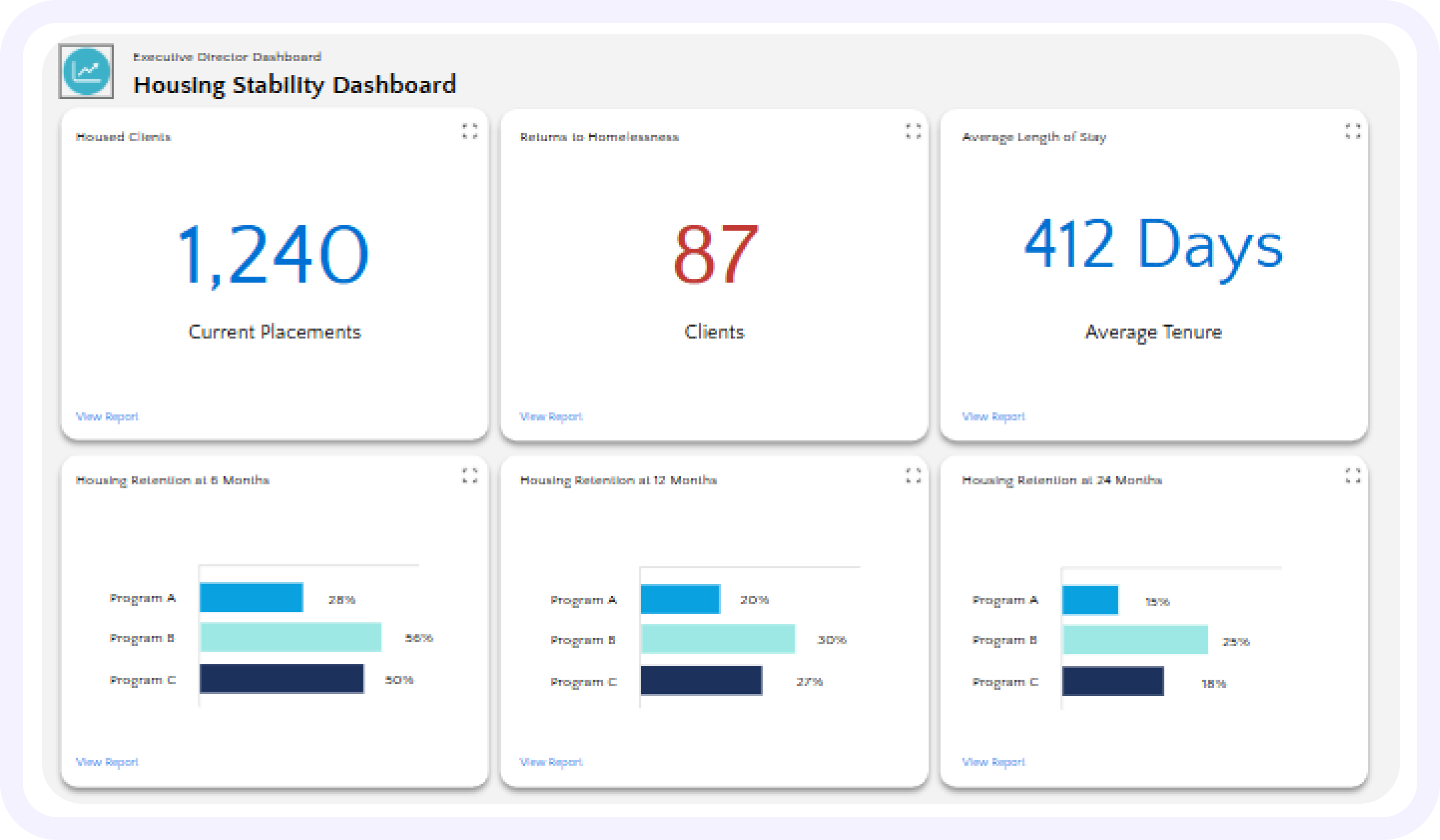
Housing stability dashboard
Purpose: Give leaders a clear picture of whether clients remain housed and whether placements are lasting.
Key measures and why they matter
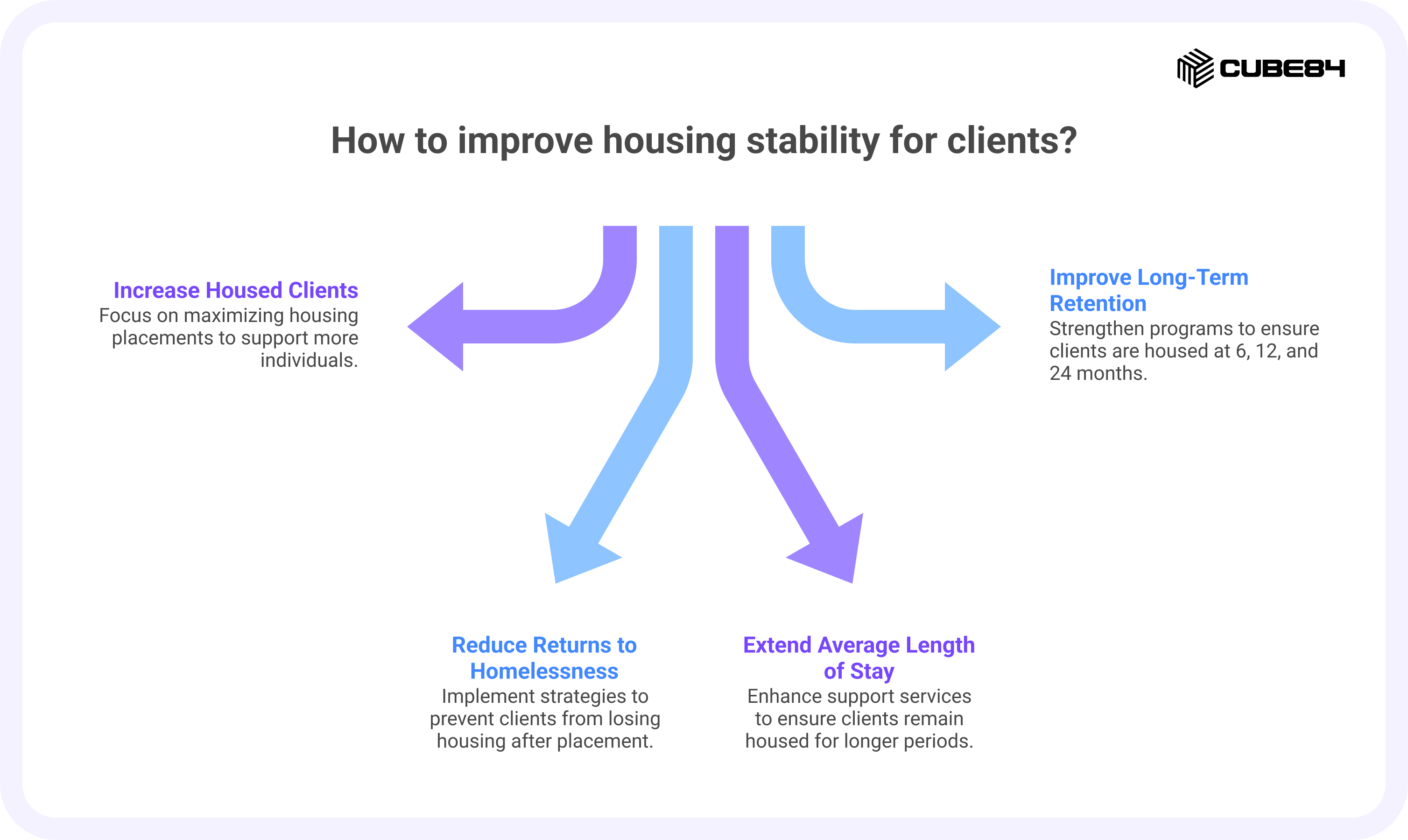
Housed Clients:
This is the number of people your organization has placed into stable housing who are still housed today. It gives leaders a simple sense of scale. How many lives are we currently supporting through housing? It also shows whether your housing resources are being fully used. If you have units or vouchers sitting empty while the need in your community is high, this number helps bring that to light.
Returns to Homelessness:
This measure looks at how many clients lose housing after placement and end up homeless again. It is not an easy number to face, but it is one of the most honest ways to understand how well housing placements are holding over time. Many housing programs review this at 6, 12, and 24 months after placement because stability often changes over time. Looking at this helps organizations see where more follow-up support, better housing matches, or stronger services might be needed.
Average Length of Stay:
This shows how long clients remain housed on average. When people stay housed for longer periods, it usually suggests that placements are working and support services are doing their job. If the average stay is short, it can be a sign that clients are facing challenges that are not being addressed, such as income instability, health needs, or difficulty adjusting to a new housing situation. This measure encourages leaders to look beyond placement and think about long-term stability.
Housing Retention at 6, 12, and 24 Months:
These measures look at the percentage of clients who are still housed at key points after they first move in. Six months gives an early sign of whether placements are settling well. Twelve months are a good measure of whether stability lasts through different seasons of life, such as job changes or health issues. Twenty-four months gives a stronger picture of long-term housing success. Funders and boards often look at these timeframes because they show whether housing is truly lasting rather than temporary.
How to present it in Salesforce
Show current totals at the top and trend charts below. Include filters for program and location so leaders can look at the full picture or focus on one area.
Funding and compliance health dashboard
Purpose: Keep funding and reporting responsibilities visible so deadlines are met without last-minute stress.
Key measures and why they matter
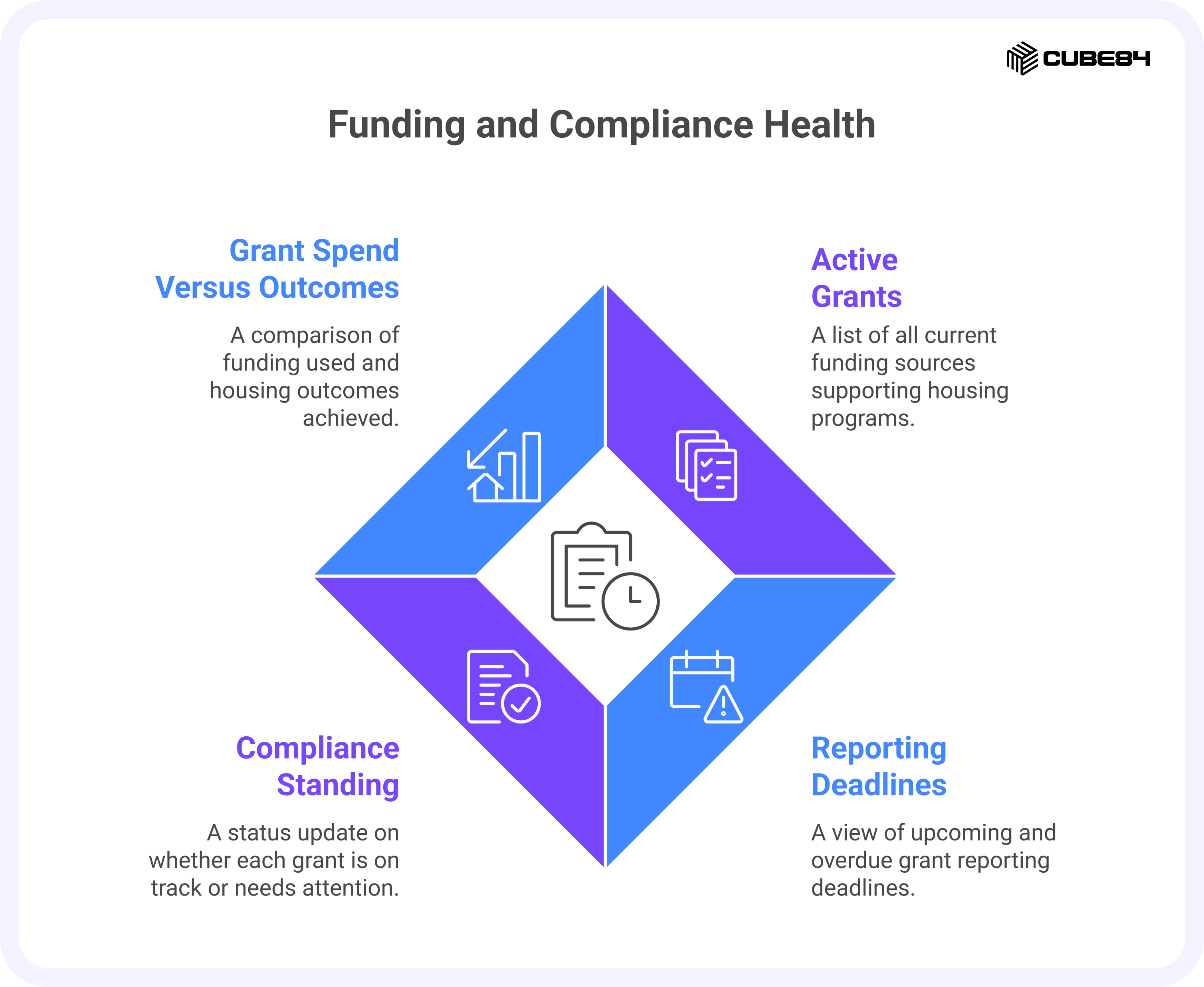
Active Grants:
This is a clear list of all the funding sources that are currently supporting your housing programs. It helps leadership see how many grants are in play at once and how much the organization depends on each one. When this information lives in one place, it becomes easier to understand where funding is steady and where there may be risk if a grant ends.
Reporting Deadlines:
Every grant comes with reporting requirements, and each one has its own schedule. This view shows what reports are coming up and which ones are overdue. That may sound like an administrative detail, but missed or late reports can delay payments or affect future funding. Having this visible helps leaders stay ahead of problems instead of reacting after a deadline has already passed.
Compliance Standing:
This shows whether each grant is currently on track, needs attention, or has an issue that must be addressed. It gives leaders a quick sense of where things are running smoothly and where support may be needed. Rather than discovering a problem during an audit or review, the organization can spot early signs and respond in time.
Grant Spend Versus Outcomes:
This brings together financial information and program results. It looks at how much funding has been used and what housing outcomes have been achieved with those funds. This helps leaders and boards understand not just where money is going, but what difference it is making for the people being served.
How to present it in Salesforce
Make each grant clickable with links to reports and the staff member responsible for submissions.
Organizational health dashboard
Purpose: Track staffing and capacity so leadership can respond before service quality suffers.
Key measures and why they matter
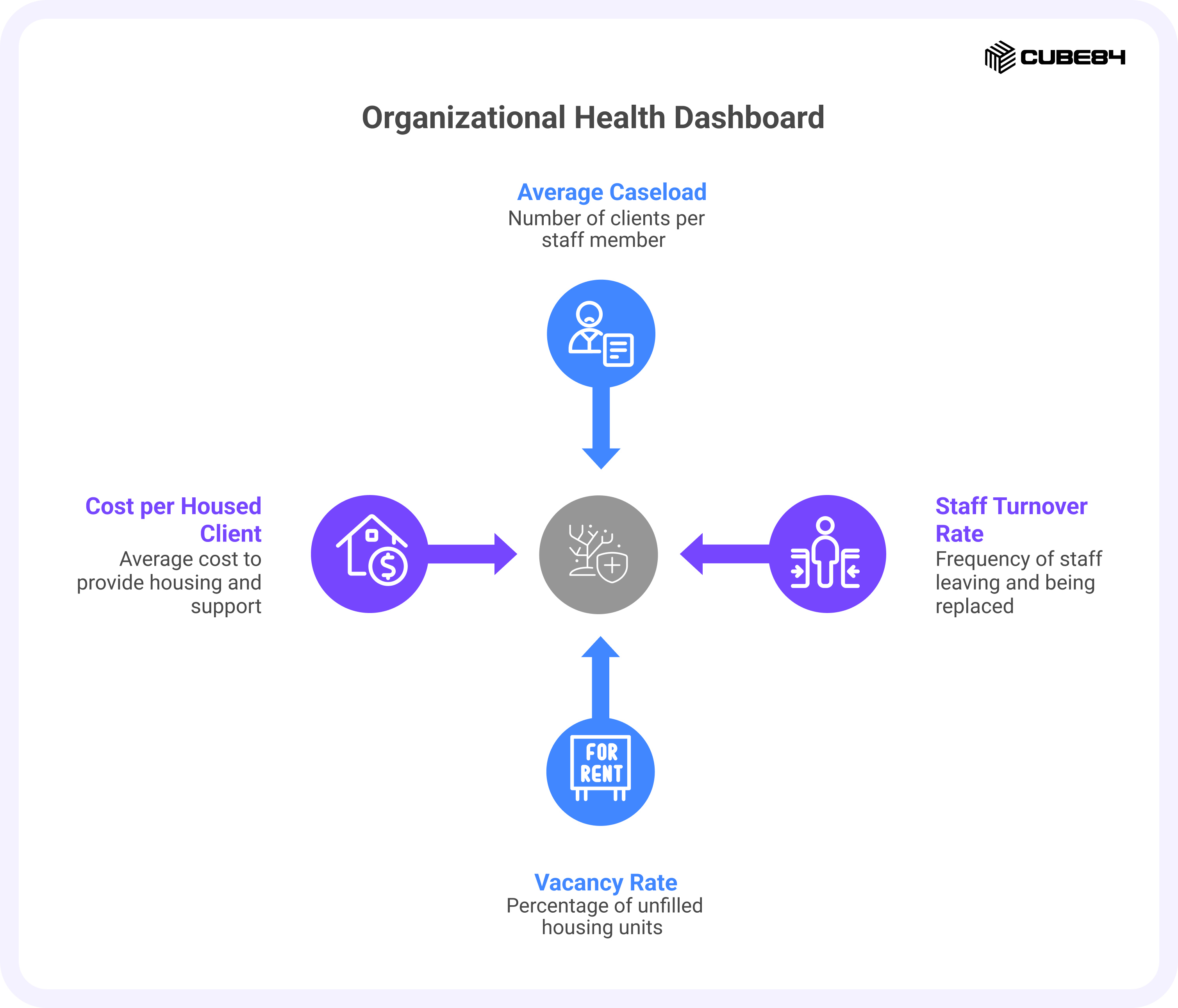
Average Caseload per Staff Member:
This shows how many clients each staff member is responsible for at a given time. When caseloads are manageable, staff can build stronger relationships, follow up consistently, and respond when clients need help. When caseloads keep rising, even the most dedicated staff begin to struggle to keep up. Watching this number helps leaders see when teams are stretched too thin and when more support may be needed.
Staff Turnover Rate:
This tracks how often staff leave and need to be replaced. Frequent turnover can be hard on everyone. Clients lose trusted contacts, remaining staff carry extra work, and new team members need time to learn systems and build experience. Looking at this over time helps leaders understand whether staffing changes are occasional or part of a larger pattern that needs attention.
Vacancy Rate:
This is the share of housing units or beds that are not currently filled. Empty units mean people in the community are still waiting for housing while resources sit unused. They can also affect funding and financial stability, since many programs depend on maintaining a certain level of occupancy. Keeping an eye on vacancies helps connect day-to-day operations with both mission and revenue.
Cost per Housed Client:
This measure looks at the average cost of keeping one person housed, including services and support. It is not about reducing care. Instead, it helps leaders understand what it truly takes to provide stable housing and plan budgets in a realistic way. Over time, this number can help guide decisions about staffing, services, and program design.
How to present it in Salesforce
Show each measure with a trend over time and flag values that fall outside agreed ranges.
Program Manager And Director Dashboards
Program performance dashboard
Purpose: Help managers see which programs are working and where clients are getting stuck.
Key measures and why they matter
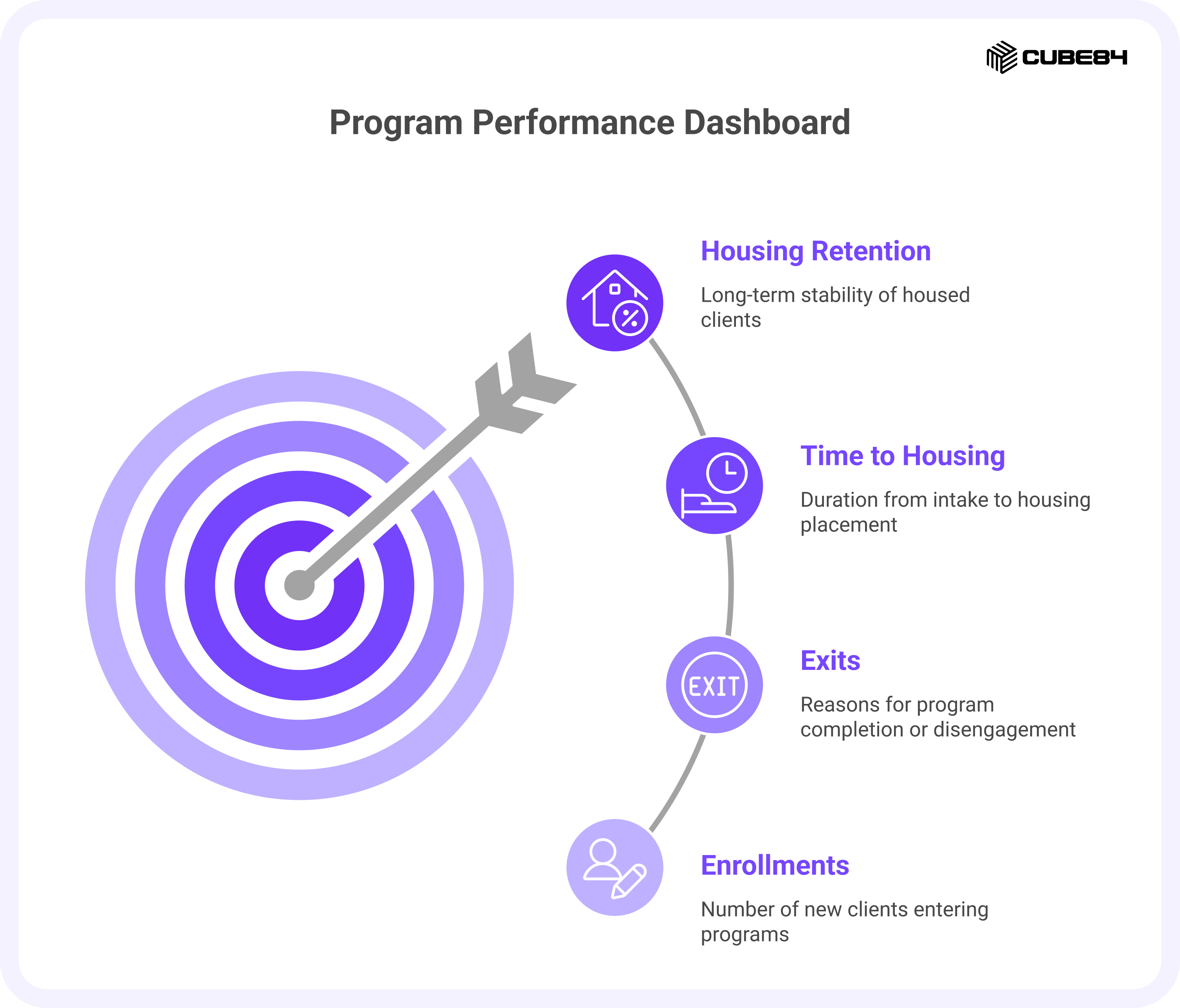
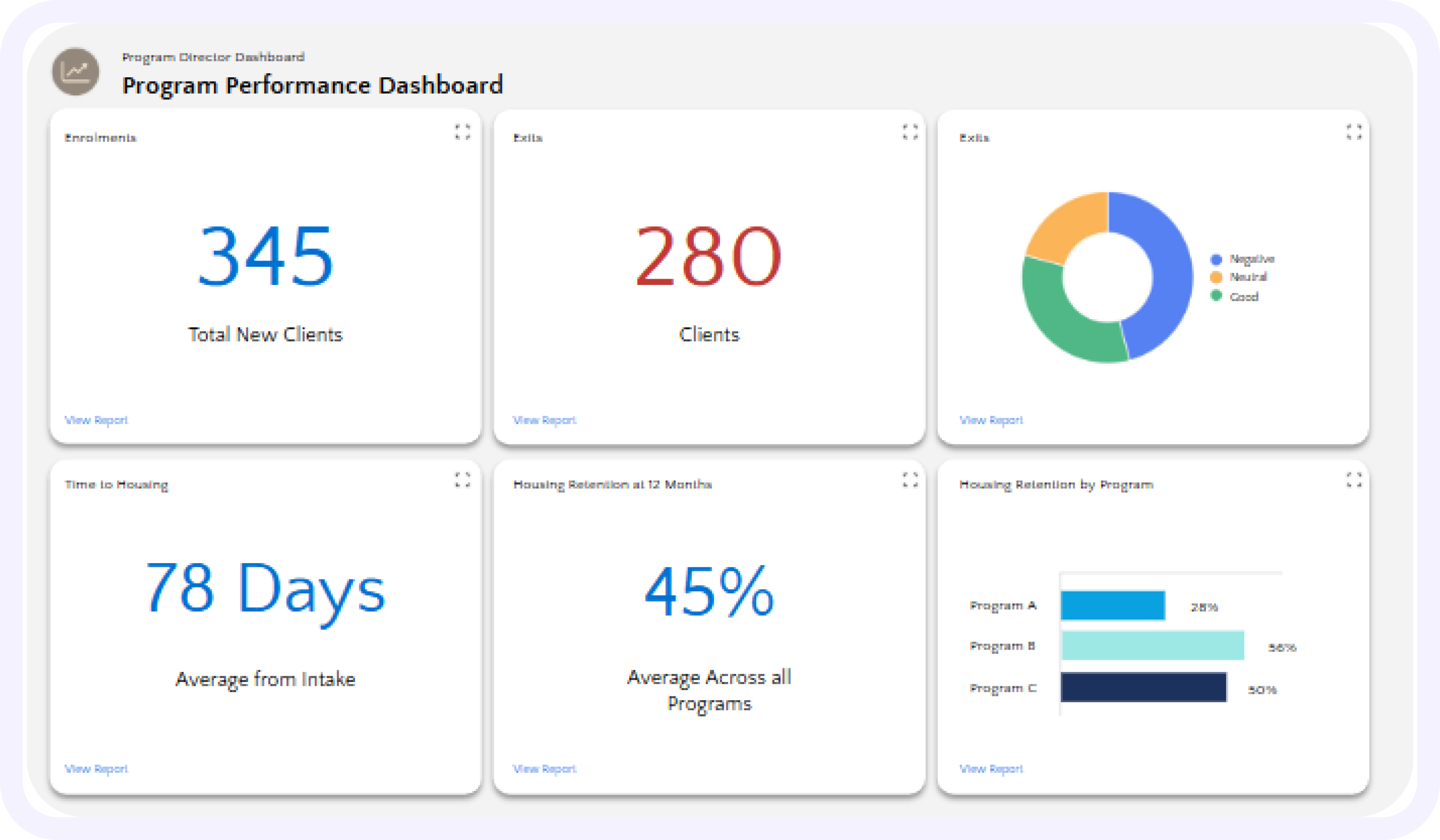
Enrollments:
This shows how many new clients are entering each program. It helps managers understand demand and whether referral pathways are working as expected. If enrollments suddenly drop, it may mean fewer referrals are coming in, or that eligibility or intake processes need a closer look.
Exits:
This tracks how clients leave programs and, just as importantly, why. Some exits represent success, such as a move into stable housing or a transition to another supportive setting. Others may signal challenges, like a client disengaging or losing housing. Looking at exit reasons helps programs understand where they are supporting people well and where clients may be falling through the cracks.
Time to Housing:
This measures how long it takes from a client’s first intake to when they are placed in housing. Long timelines can point to delays in documentation, unit availability, inspections, or coordination with landlords. When this number is visible, managers can see where clients are waiting the longest and work on improving those parts of the process.
Housing Retention by Program:
This compares how well different programs support clients in staying housed over time. Some program models, staff approaches, or service combinations may lead to stronger stability. Seeing retention side by side helps managers learn from what is working and bring those practices into other programs where clients may need more support.
How to present it in Salesforce
Use filters by program and month, and include trend charts to show change over time.
Caseload and staffing dashboard
Purpose: Balance workloads and identify clients who may be at risk of losing housing.
Key measures and why they matter
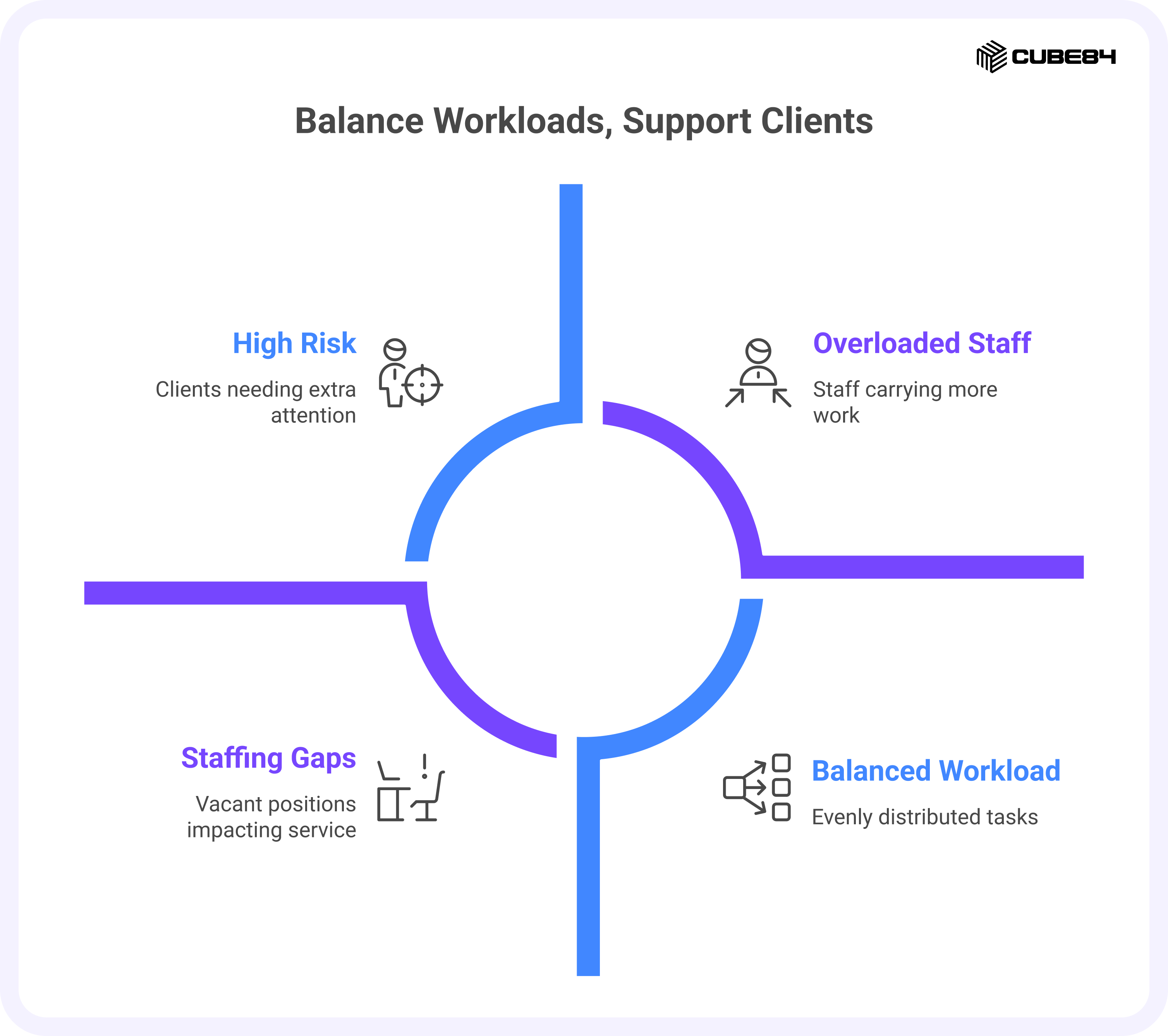
Caseload per Case Manager:
This shows how many clients each case manager is currently supporting. When the numbers are balanced, staff have a better chance of keeping up with visits, paperwork, and follow-up. If some staff are carrying much heavier loads than others, it can lead to delays in support and extra stress for those team members. Seeing this clearly helps managers adjust assignments before problems build up.
High Risk Clients:
These are clients who show early signs that they may need extra attention. That might include missed appointments, reduced contact, new financial or health challenges, or other changes in their situation. By bringing these clients into view, the dashboard supports earlier conversations and check-ins, which can help prevent larger crises later on.
Open Versus Filled Positions:
This gives a simple view of how many roles are currently vacant and how that affects each team. Staffing gaps do not just affect schedules. They change how much time each case manager can spend with clients and how quickly services can be delivered. Keeping this visible connects hiring and staffing decisions directly to client support.
Overload Indicators:
This highlights staff members who are consistently carrying more work than planned. That might show up as very high caseloads, a large number of overdue tasks, or ongoing delays in documentation. Rather than waiting for burnout or mistakes to happen, managers can use this to step in early and rebalance work or bring in additional help.
How to present it in Salesforce
Pair workload charts with lists of high-risk clients so managers can adjust assignments quickly.
Operational bottlenecks dashboard
Purpose: Show where clients are waiting and where paperwork or services are delayed.
Key measures and why they matter
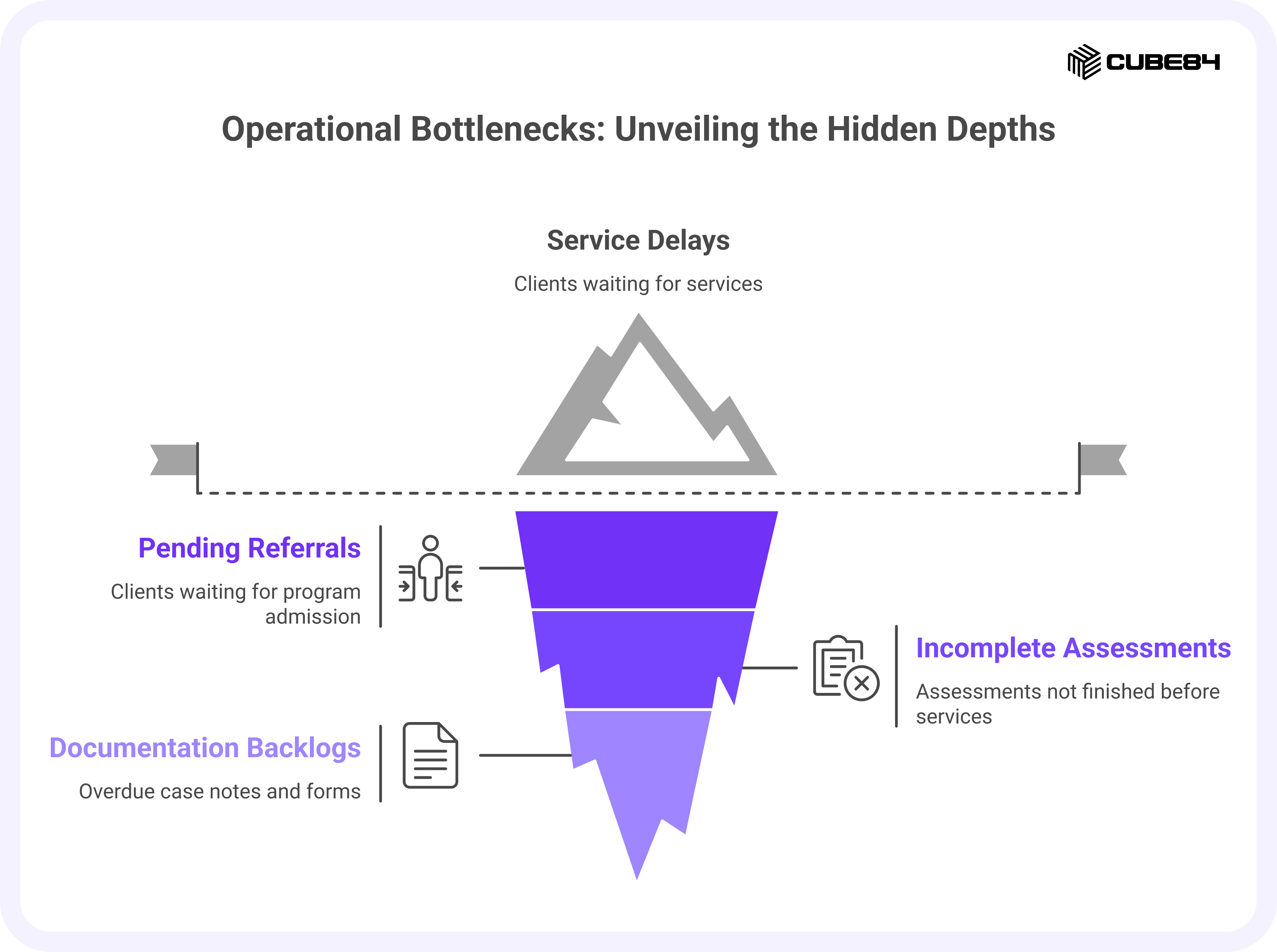
Pending Referrals:
These are people who have been referred to a program but have not yet been admitted. A growing list of pending referrals can mean the program is at capacity, intake steps are taking too long, or communication between partners needs improvement. Seeing this clearly helps managers understand where people are waiting and whether processes need to be adjusted.
Incomplete Assessments:
Many programs require assessments before services can begin or before clients can be placed into housing. When these assessments are not finished, everything else can slow down. Tracking incomplete assessments helps staff see where paperwork or scheduling is holding things up and gives managers a way to support teams in clearing those steps.
Service Delays:
This looks at how long clients are waiting for important services such as health care, mental health support, employment help, or benefits assistance. These services often play a big role in helping people stay housed. When delays grow longer, the risk to housing stability can grow as well. Having this visible helps programs focus on the services where wait times are becoming a problem.
Documentation Backlogs:
Case notes, forms, and other required documentation are not just administrative tasks. They support continuity of care and are often required for reporting and audits. When documentation falls behind, it creates stress later and can lead to compliance issues. This measure shows where notes or forms are overdue, so staff and managers can catch up in a steady way rather than during a last-minute rush.
How to present it in Salesforce
Sort items by how long they have been waiting and show who is responsible for each one.
Case Manager And Social Worker Dashboards
My caseload dashboard
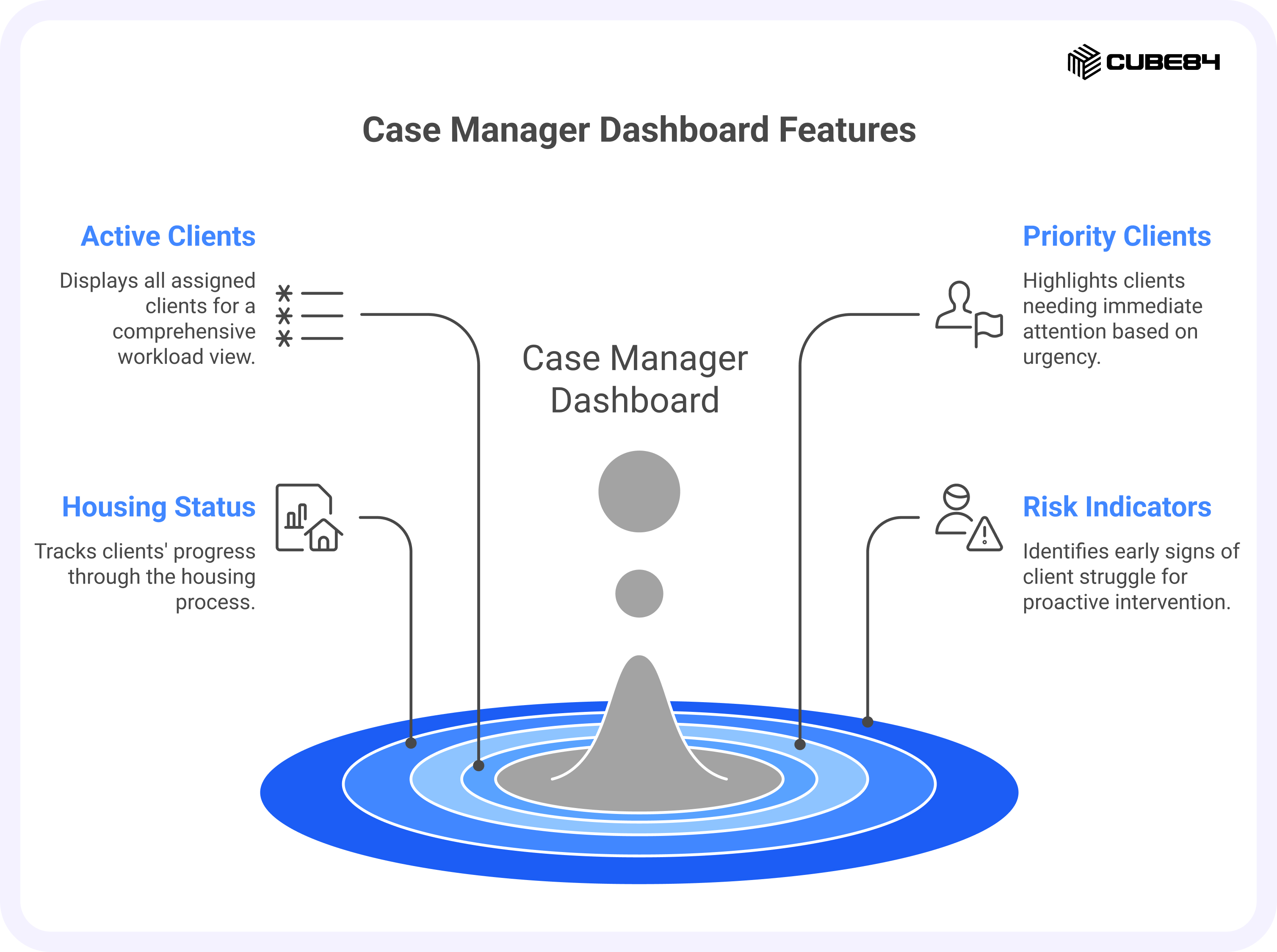
Purpose: Give each case manager a single place to see all assigned clients and where to focus.
Key measures and why they matter
Active Clients:
This is the full list of clients currently assigned to a case manager. Having everyone in one place helps staff see their full workload at a glance and avoid relying on memory or separate notes to keep track of who they are supporting.
Priority Clients:
These are clients who need attention sooner rather than later. The criteria might include an upcoming housing deadline, a recent crisis, or a missed check-in. By clearly marking priority clients, the dashboard helps case managers focus their time where it can make the biggest difference that day.
Housing Status:
This shows where each client is in the housing process, whether they are waiting for placement, newly housed, at risk of losing housing, or already stably housed. Seeing this journey laid out helps case managers know what stage each person is in and what kind of support is most important right now.
Risk Indicators:
These are early signs that a client may be struggling. Missed appointments, reduced contact, sudden changes in income, or gaps in services can all be signals. Bringing these into view supports earlier outreach and conversations, which can help prevent a small issue from becoming a larger housing crisis.
How to present it in Salesforce
Make this a personal dashboard that opens client records directly from the list.
Daily task and follow-up dashboard
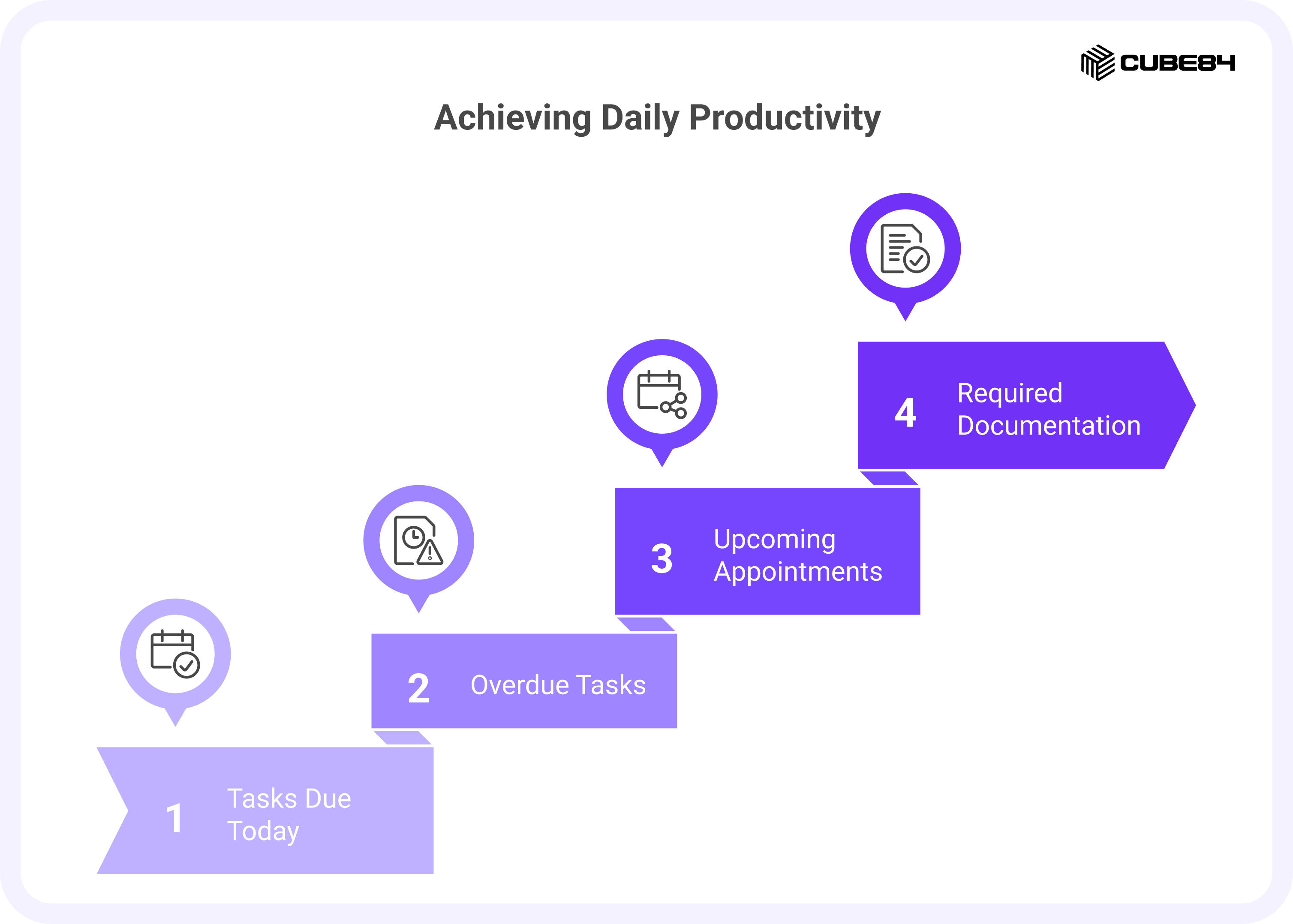
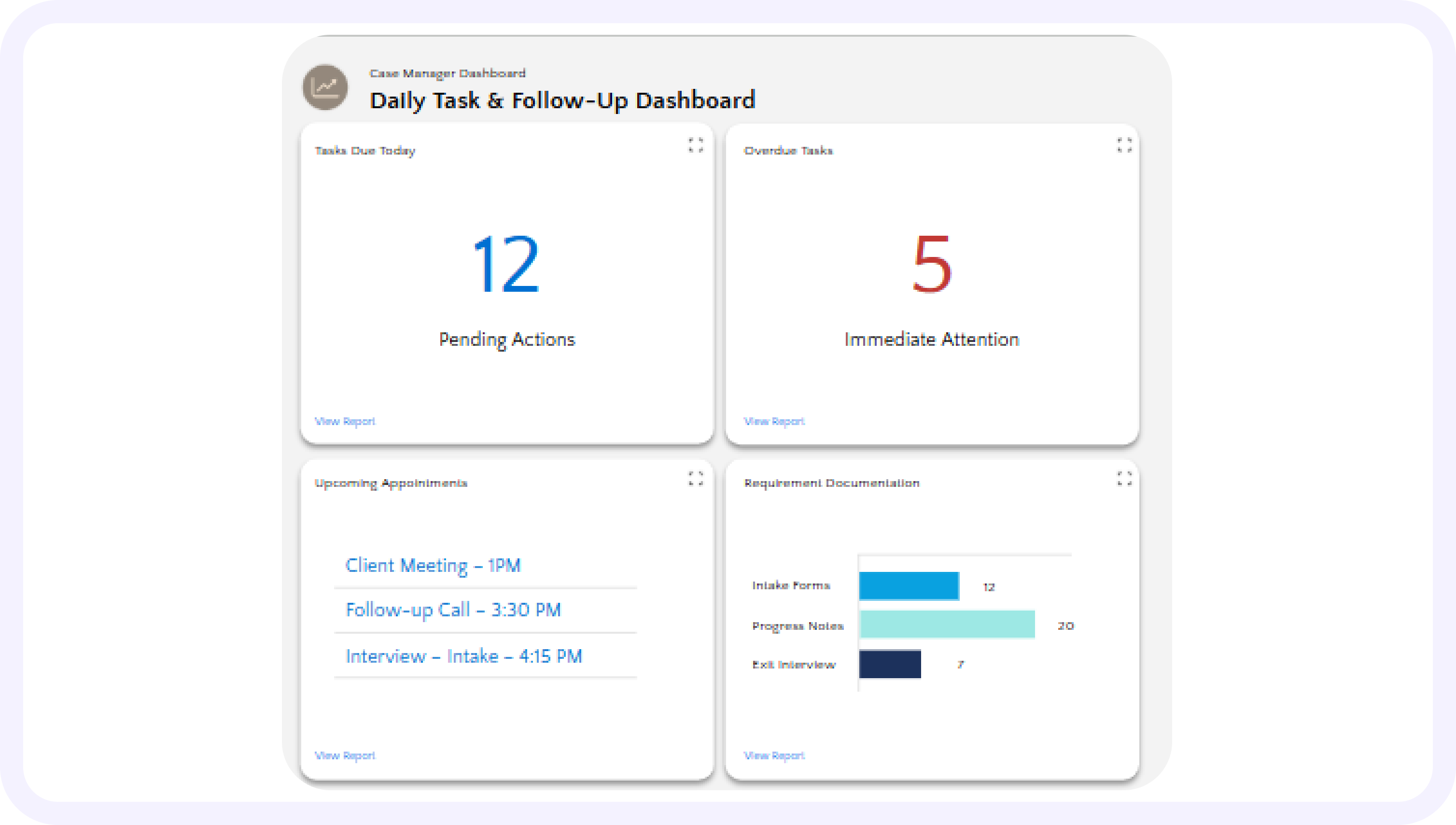
Purpose: Turn a busy day into a clear list of actions.
Key measures and why they matter
Tasks Due Today:
This is the working list for the day. It shows the calls, visits, forms, and follow-ups that need attention before the day ends. Having this in one place helps case managers plan their time and avoid missing important steps for a client.
Overdue Tasks:
These are items that should already have been completed. Seeing them clearly helps staff catch up before small delays turn into larger problems, such as missed services or reporting gaps. It also gives managers a gentle signal that someone may need support with their workload.
Upcoming Appointments:
This shows scheduled meetings with clients, landlords, or service providers in the days ahead. Keeping these visible helps staff prepare in advance, gather any needed documents, and avoid double booking or last-minute confusion.
Required Documentation:
These are notes, forms, or updates that must be completed for services to continue or for reporting requirements. When documentation is easy to overlook, it often piles up. Showing it here helps staff stay current in small steps rather than facing a large backlog later.
How to present it in Salesforce
Use a task list grouped by priority with quick status updates.
Grants And Compliance Manager Dashboards
Grant compliance tracker
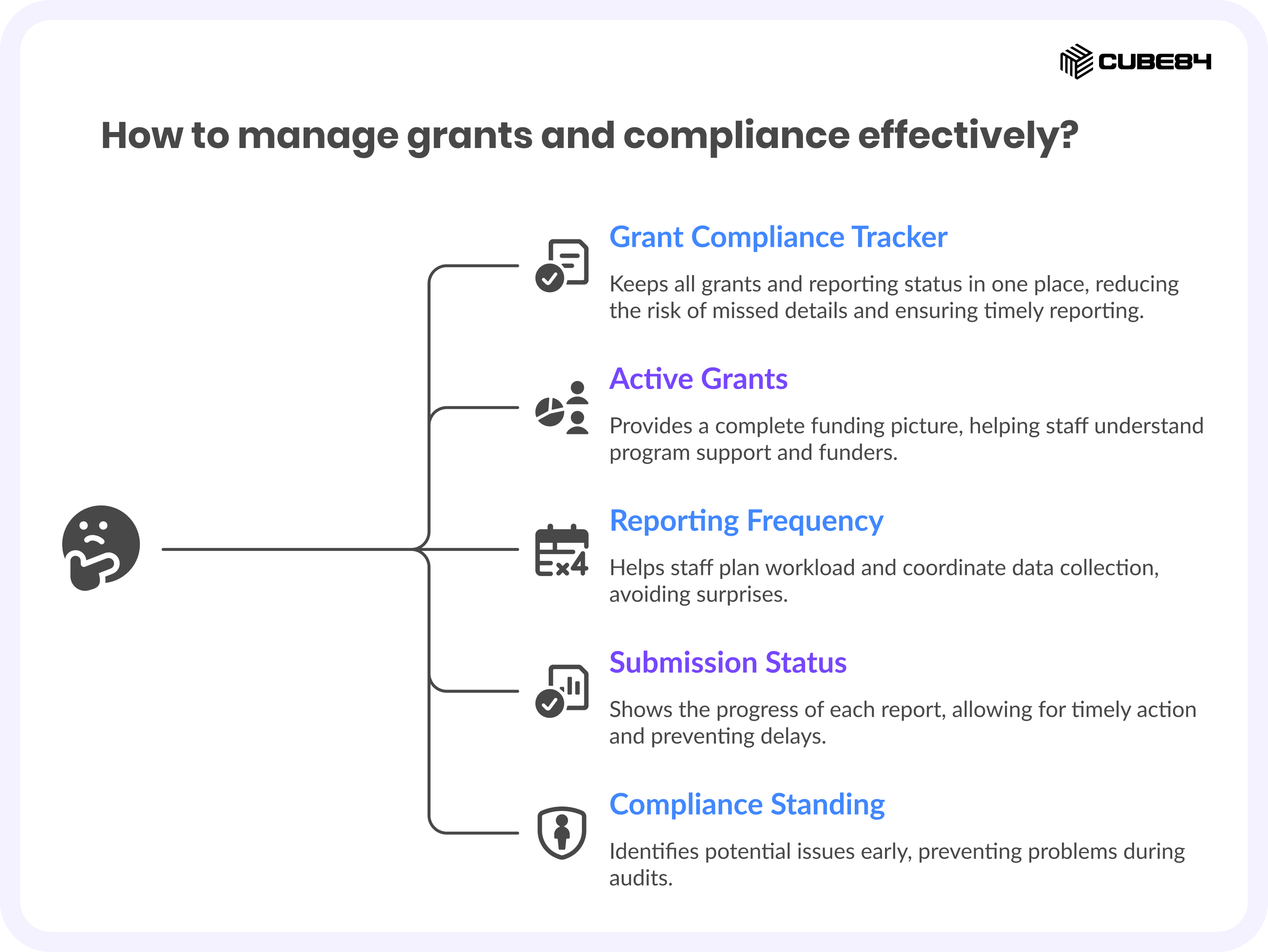
Purpose: Keep all grants and their reporting status in one place.
Key measures and why they matter
Active Grants:
This is a complete list of all the grants currently supporting your programs. Keeping them in one place helps staff see the full funding picture and understand which programs are tied to which funders. It also reduces the risk of important details being stored in separate files or emails.
Reporting Frequency:
Each grant has its own schedule for reports, which might be monthly, quarterly, or yearly. Seeing this clearly helps staff plan their workload and avoid surprises. It also makes it easier to coordinate data collection ahead of time rather than rushing as a deadline approaches.
Submission Status:
This shows where each required report stands: whether it is still being prepared, has already been submitted, or has been formally accepted by the funder. A simple status view helps everyone know what is complete and what still needs attention without searching through emails or folders.
Compliance Standing:
This gives an overall sense of whether each grant is on track or if there are issues that need follow-up. It can include missing documentation, late reports, or other concerns. Having this visible allows the organization to address problems early rather than discovering them during an audit or review.
How to present it in Salesforce
Use a dashboard that lists each grant with a reporting schedule, submission status, and a simple compliance indicator, with filters by funder and program.
Program to grant alignment dashboard
Purpose: Make sure reported clients and services are eligible under each funder.
Key measures and why they matter
Eligible Clients:
This shows which clients meet the requirements to be counted under each grant. Different funders often have specific rules about who can be included in reports. Making this visible helps staff avoid mistakes and ensures that numbers reported to funders are accurate and defensible.
Eligible Services:
Not every service can be charged to every grant. This view tracks which services are allowable under each funding source. It helps staff record services correctly and reduces the chance of costs being assigned to the wrong grant.
Duplicate Reporting Risks:
Sometimes the same client or service may appear to qualify under more than one grant. This measure flags those overlaps so staff can review them carefully. Catching these early helps prevent reporting the same outcome twice, which can lead to compliance issues.
How to present it in Salesforce
Use a dashboard that shows clients and services by grant with simple eligibility flags and a warning indicator where potential duplication needs review.
Data quality and audit readiness dashboard
Purpose: Find and correct data issues before they affect reports or audits.
Key measures and why they matter
Missing or Inconsistent Data:
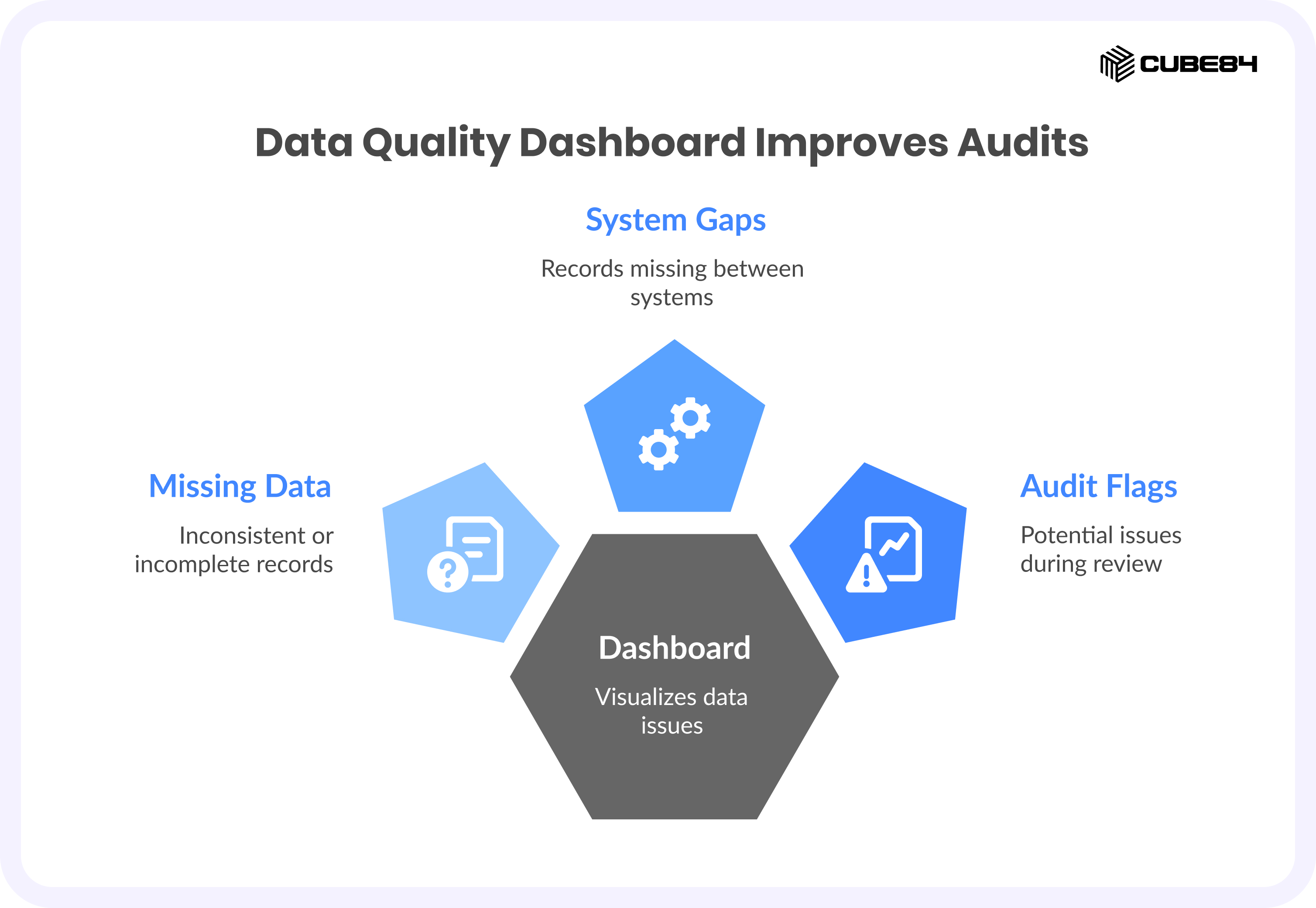
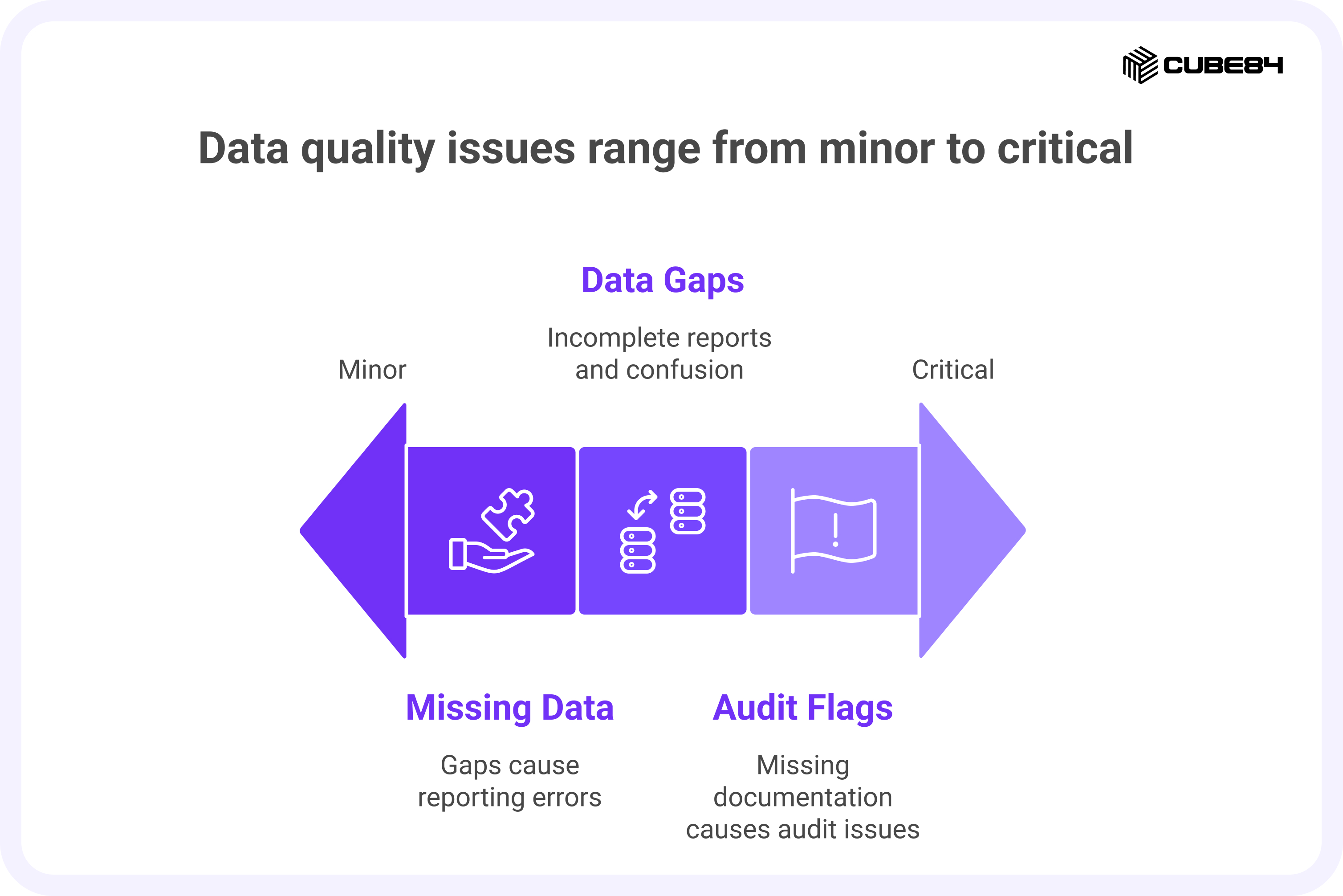
These are records that are missing required details or contain information that does not match across fields. Even small gaps can cause problems when reports are created or reviewed. National HMIS data quality guidance explains that weak data can lead to reporting errors and audit findings, which is why keeping an eye on this belongs in a visible dashboard rather than hidden in a spreadsheet.
HMIS and Internal Data Gaps:
This highlights records that exist in one system but not in another, such as a client who appears in HMIS but is missing from Salesforce, or the other way around. These gaps can lead to incomplete reports and confusion when staff try to reconcile numbers across systems.
Audit Risk Flags:
These are records that may cause issues during a funder review or audit. They might be missing signatures, key dates, eligibility details, or required documentation. Seeing these early gives staff time to correct them before reports are submitted.
How to present it in Salesforce
Use a dashboard that shows counts of data issues by type with links to the specific records that need correction so staff can fix them directly.
How To Move From Manual Reports To These Dashboards
A quick checklist you can use
1.Pick two or three dashboards to build first and focus on the ones that will save the most staff time
2.Map each dashboard metric to a single data source so numbers stay consistent
3.Assign owners for each set of data and set simple checks for missing or duplicate records
4.Show trends for key measures such as retention, turnover, and time to housing
5.Add a small data health widget to every dashboard so users can trust the numbers
Bringing These Dashboards To Life
Reading about dashboards is one thing. Building them so they work with HMIS, Salesforce, and finance systems is another. A partner who understands both Salesforce and housing programs can help set up the right fields, connect data sources, and create reports that staff actually use.
If you would like to talk through which dashboards to build first or how to move away from manual reporting, feel free to reach out to us.